As an Amazon Associate I earn from qualifying purchases.
Rogue Plate Carrier sizing starts with the exact model
The original Rogue Plate Carrier comes in small, medium, and large. Rogue also sells Echo and MOLLE versions with different padding and features. Select the correct product’s measurement guide before choosing a size.

Body size and plate size are separate checks
Rogue lists the original carrier’s plate-pocket exterior as 10.25 inches wide by 12.25 inches high across sizes. A larger clothing size does not automatically mean a larger pocket. Those exterior measurements are not a universal clearance specification for other plates.
The carrier is designed around Rogue USA Cast and Echo Cast training plates. Rogue’s comparison chart excludes its laser-cut Weight Vest Plates from this carrier. Training plates and this fitness carrier are not body armor.
How to check fit
- Use the maker’s current measurement guide and the clothing you intend to train in.
- Try it empty, then install an approved manageable plate pair.
- Adjust the shoulders and waist according to the instructions, leaving comfortable breathing room.
- Walk, reach overhead, sit, and squat slowly. Check shoulder pressure, arm clearance, and the lower edge.
- Confirm the closure flap remains properly engaged before each session.
If adjustment cannot give you a stable, comfortable fit, compare another size or design. Cutting straps or adding ceramic plates is not a sizing fix.
Rear-loaded gear is a separate comparison
The GORUCK Ruck Plate Carrier 3.0 carries weight on the back. It does not use the Rogue carrier’s front-and-back layout or sizing system. Choose its Standard, Long, or Heavy configuration with the corresponding plate specifications.

Yes4All ruck weight plates are another product category to check individually. This link is not confirmation that a particular plate fits either carrier. Compare the exact dimensions, thickness, and manufacturer approval before combining products.

Keep the first test short
After fitting the carrier, take an easy walk close to home. Check for shifting, rubbing, or a change in your stride before planning a longer route. A comfortable unloaded fit is only the first step; the loaded fit matters too.
Track your weighted walks
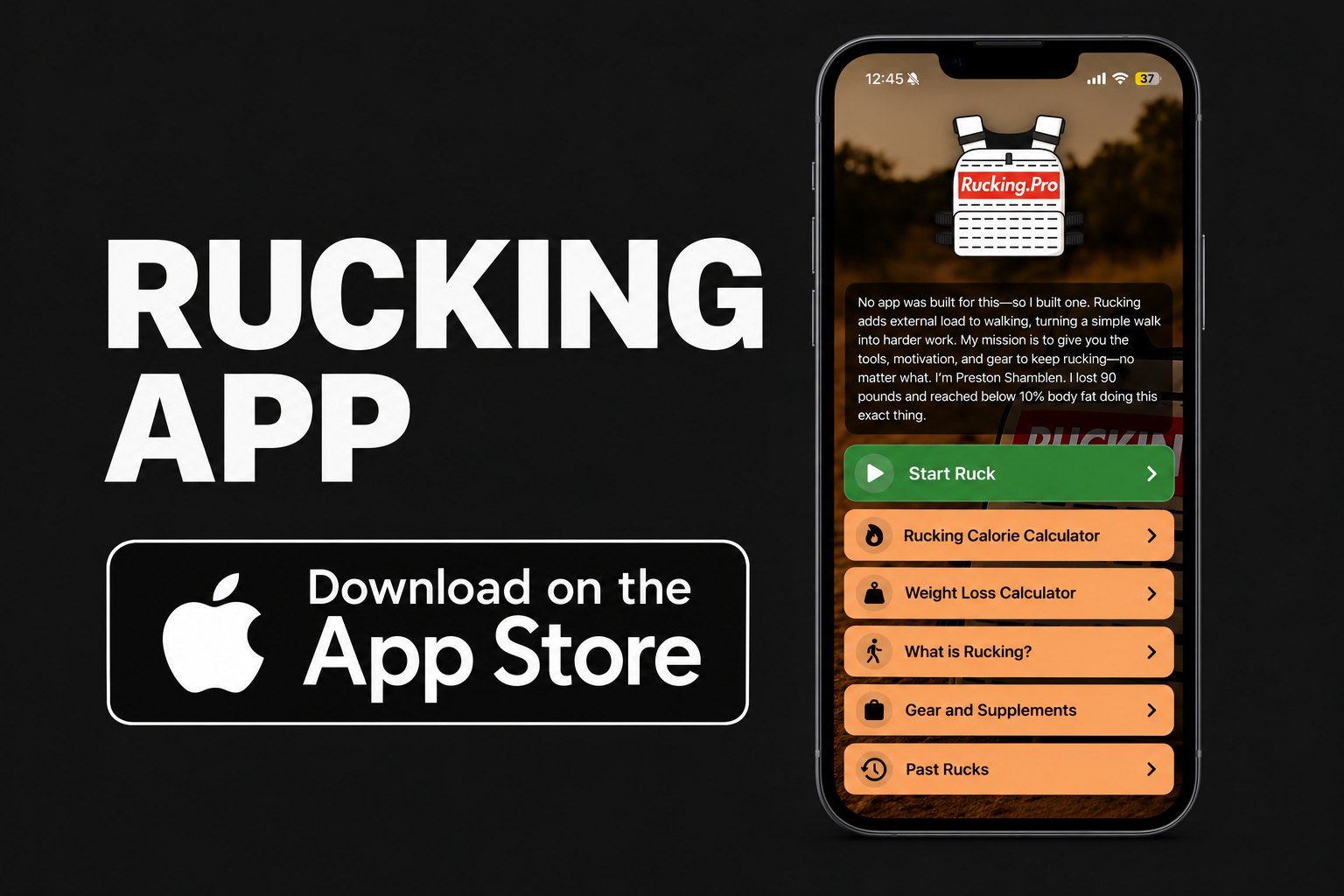
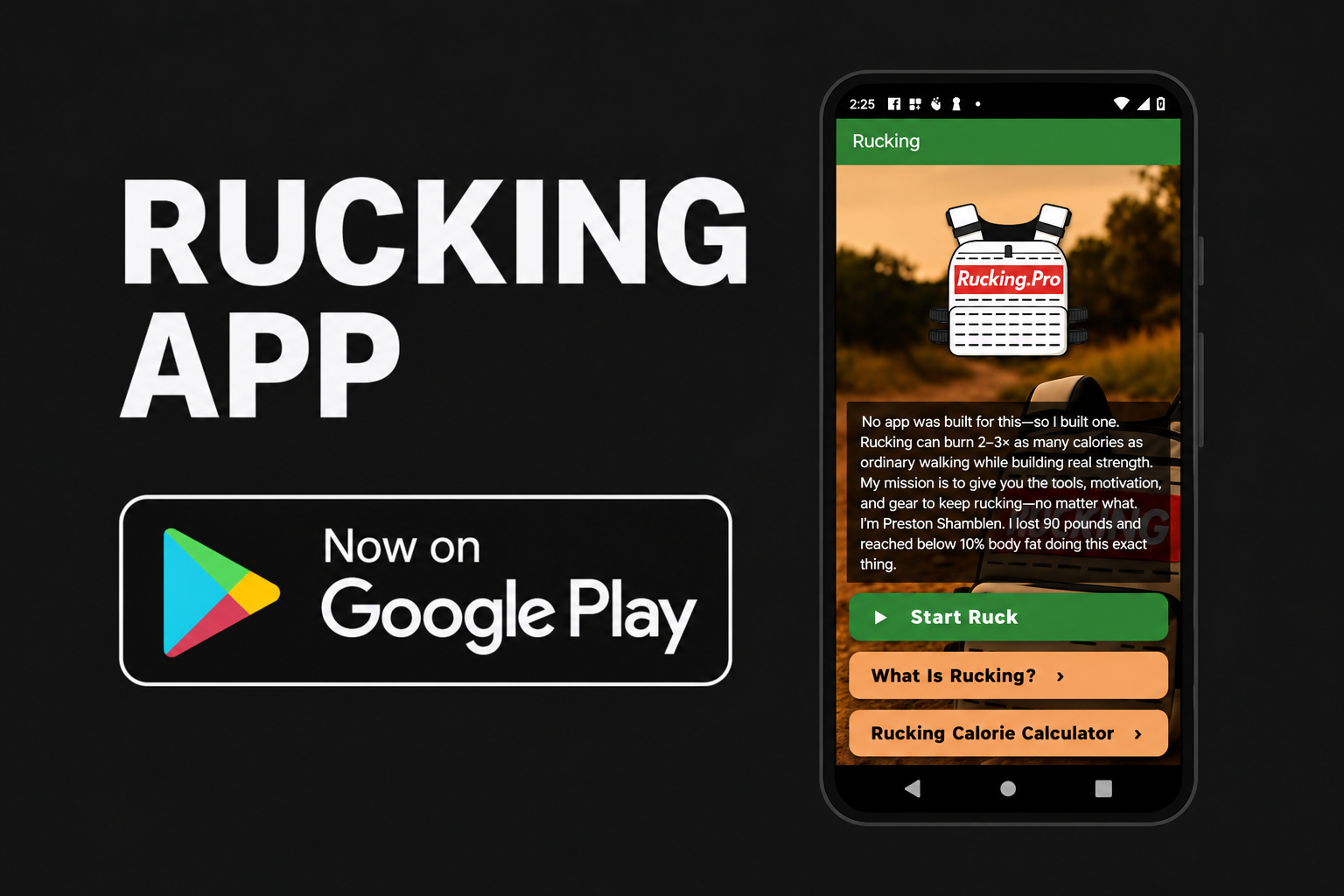
In the Rucking App, choose weighted vest or backpack, enter your complete carried load, and tap Start Ruck. Record GPS distance, time, pace, and estimated calories, then compare repeat sessions.


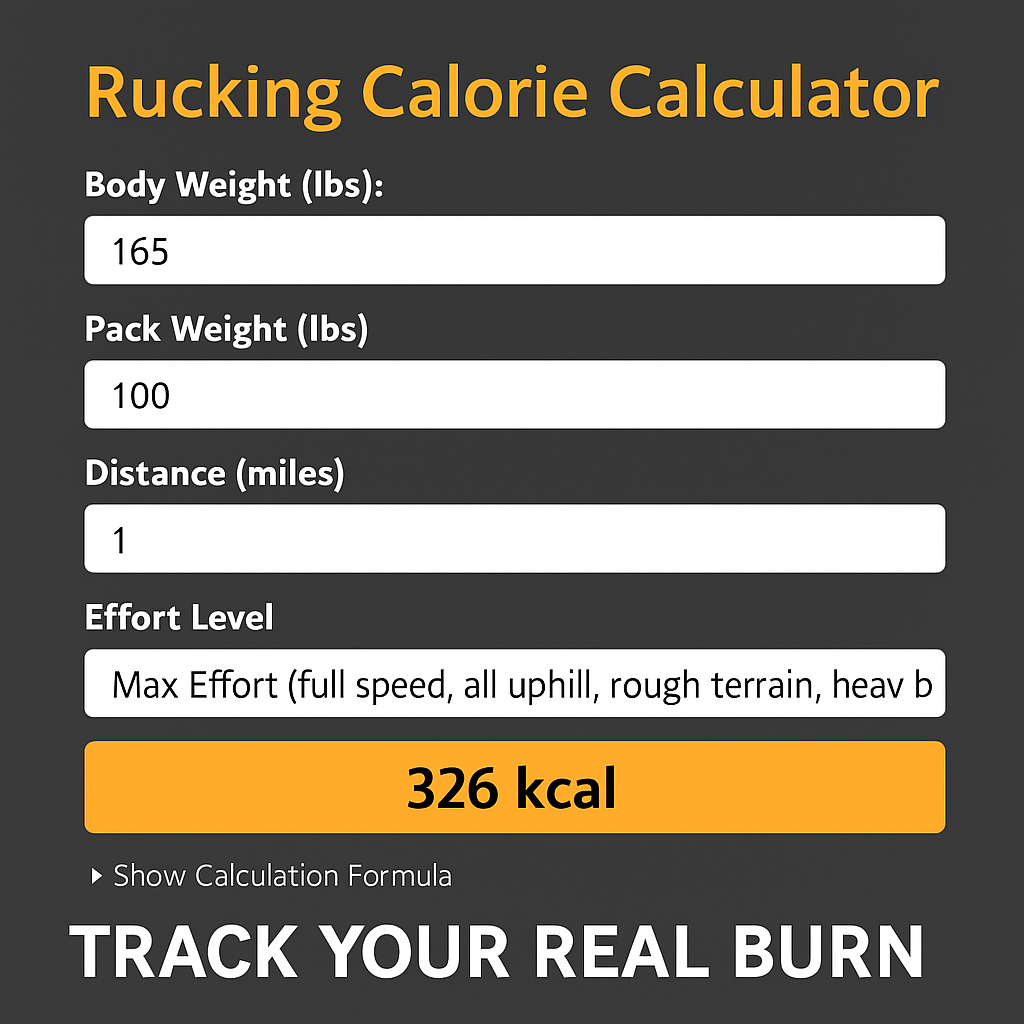
For a manual estimate, use the Rucking Calorie Calculator. Calorie estimates help compare walks; use your effort, movement, and recovery to decide how to progress. See the app guide for current features.