WEIGHTED WALKS. LIVE TRACKING. YOUR LOAD INCLUDED.
Your walk has extra weight. Your workout settings should too.
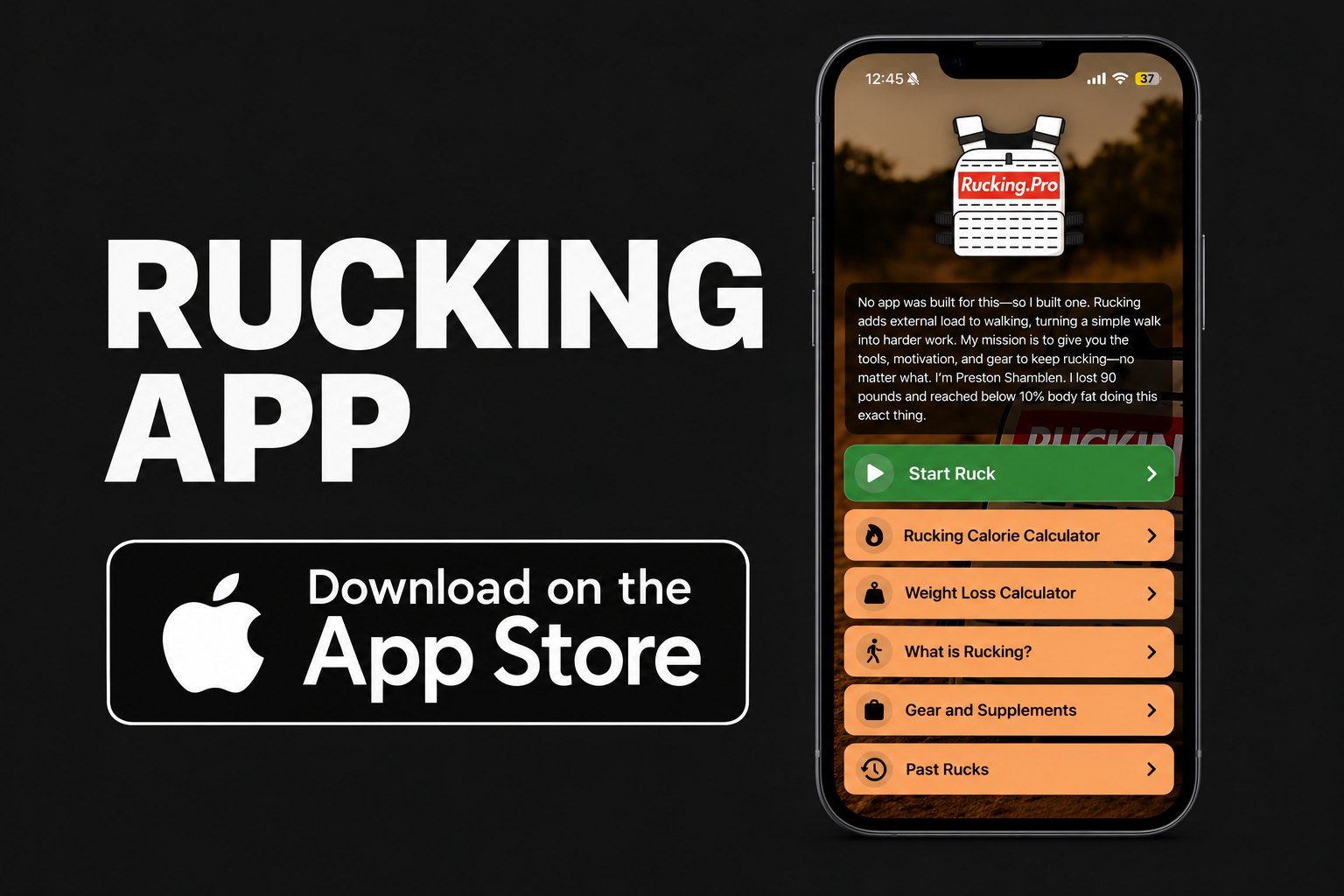
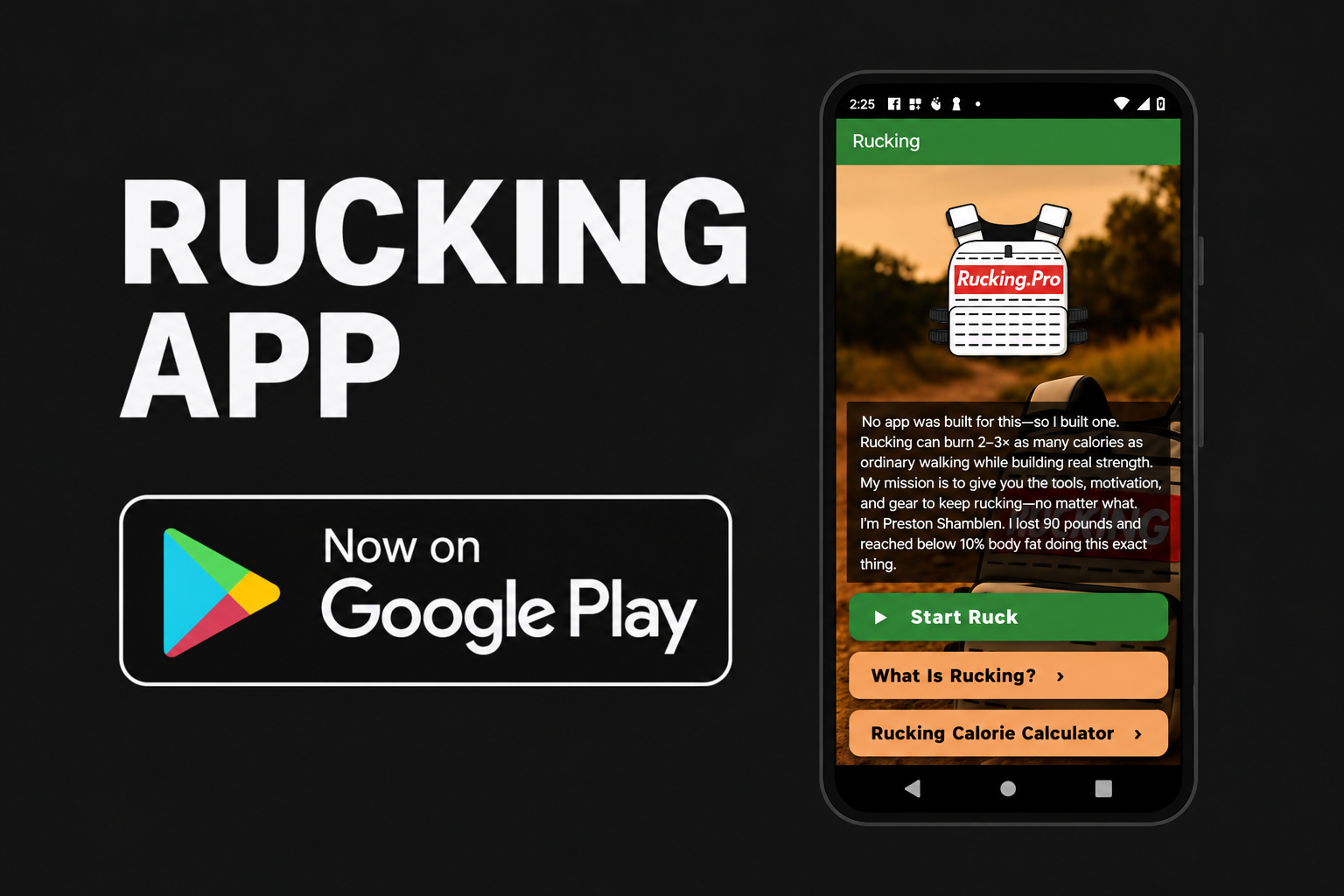
The Rucking app is a weighted vest workout tracker for iPhone and Android. Enter your body weight and the weight you carry, select weighted vest, and tap Start Ruck. Follow your distance, pace, time, elevation gain, and estimated calories while you walk.
It also supports backpack rucking, manual calorie calculations, and weight-loss planning. You do not need a separate app when you switch from a vest to a pack.
App Store name: Rucking Calorie Calculator. Google Play name: Rucking. Both include weighted-vest settings.


How to Track Your First Weighted Vest Walk
The button says Start Ruck, but you can use it for a weighted-vest walk. Set the workout up before you leave:
- Check your body weight. Use your current body weight, without adding the vest. On iPhone, optional Apple Health access can supply your recorded weight.
- Select weighted vest. Choose the vest setting rather than backpack.
- Enter your carried weight separately. For example, a 175 lb person wearing a 20 lb vest enters 175 lb as body weight and 20 lb as carried weight. Keep both values in the units shown by the app.
- Set your effort and permissions. Use a manual effort level when needed. Grant location access for live GPS tracking; health access is optional.
- Tap Start Ruck before walking. Carry your phone so it can track the route. Tracking can continue with the screen locked.
- Stop the workout when you finish. Review your results and save to Apple Health or Health Connect if you have enabled that integration.
Changed plates between walks? Update the carried weight. Your previous settings are only useful if they still match your setup.
What to Watch During a Weighted Walk
The tracker brings the main workout numbers together:
- Distance and elapsed time: how much ground you covered and how long the session lasted.
- Average pace: a useful comparison when repeating a route with a similar load.
- Elevation gain: context for a route that includes climbing.
- Estimated calories: a calculation that includes the load and effort settings.
Compare similar sessions instead of chasing the biggest calorie number. A longer route, heavier vest, or harder effort changes the workout. Record those differences so the numbers mean something.
iPhone and Android: What Each Version Offers
| Feature | iPhone | Android |
|---|---|---|
| Store name | Rucking Calorie Calculator | Rucking |
| Live GPS tracking | Yes | Yes |
| Vest and backpack settings | Yes | Yes |
| Manual calorie and weight-loss calculators | Yes | Yes |
| Optional workout saving | Apple Health | Health Connect |
The iPhone release also includes workout history with route maps, summary sharing, Lock Screen Live Activities, and optional spoken mile announcements.
Apple Watch companion: start and stop a ruck, adjust carried weight, and check progress from your wrist. Keep your paired iPhone with you for GPS tracking and connected Watch controls.
Health and heart-rate features require permission and compatible, available data. Features can vary by installed version. Check the store listing for device requirements.
Forgot to Start Tracking? Calculate the Walk Afterward
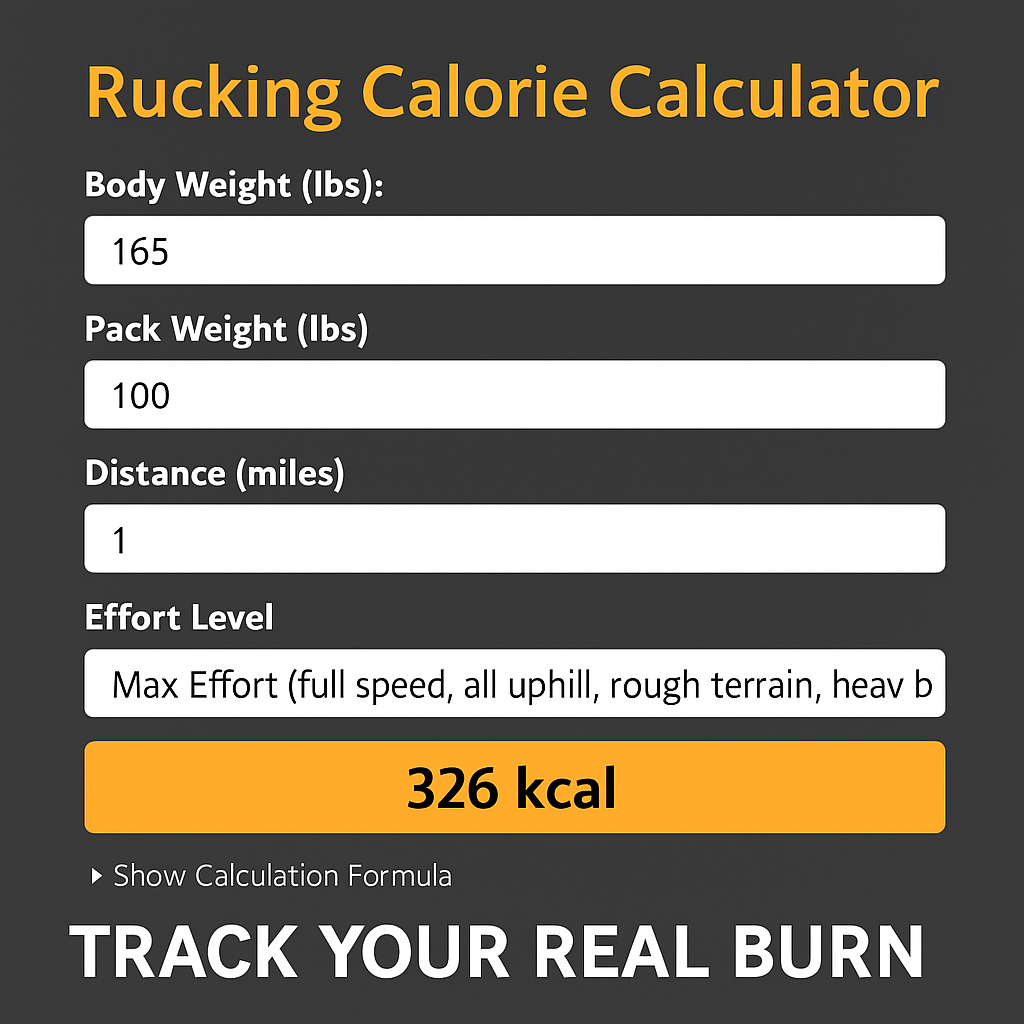
Use the manual calculator when you know your distance but did not record a live session. Enter body weight, vest weight, distance, effort level, and pack type. It estimates calories without needing a GPS route.
That also makes it useful for a treadmill walk: use the distance displayed by the treadmill rather than trying to record indoor miles with GPS. On iPhone, you can manually add the calculated workout to Apple Health with permission.
Want to try the calculation before installing an app? Open the free weighted vest and rucking calorie calculator and select Vest.
How to Use the Calorie Estimates
Including carried weight is the point of this tool. It does not make the result an exact measurement or prove it is more accurate than every wearable.
For useful comparisons, enter your load honestly and use effort settings consistently. Keep the difference between an easy walk and a hard session realistic. Higher settings produce higher estimates; selecting them does not create extra work.
The calculator is intended for walking and rucking. Do not use a walking-distance estimate as a precise calorie total for push-ups, squats, strength circuits, or every other exercise you might perform in a vest.
The included weight-loss calculator combines personal details, activity, food intake, and your routine to explore a potential calorie deficit and timeline. It uses a simplified model, so treat the projected date as a planning estimate. Avoid counting the same walk in both your general activity level and added rucking exercise.
See the App in Action
Watch the walkthrough on YouTube. For release details, see the Rucking app feature overview.
Built by Someone Who Uses a Weighted Vest
I’m Preston Shamblen, an ISSA-certified personal trainer and the creator of these apps. I lost 90 pounds through rucking, weighted-vest training, strength work, and disciplined nutrition. I still recommend weighted vests as one of the most reliable tools in my own routine for maintaining a lower body weight and staying consistent with outdoor exercise.
I wanted to enter the weight I carried, start a workout, and keep a record of the miles. That practical need became the calculators and then the live tracker.

Weighted Vest App Questions
Can I use my existing vest?
Yes. The app uses the weight you enter; it does not require a specific vest brand or a connected vest. Update the setting when you change the load.
Why does the button say Start Ruck?
The same tracker supports weighted-vest walking and backpack rucking. Choose Vest for your weighted walk and Backpack when carrying a pack.
Does live tracking need a GPS signal?
Yes, GPS and location access are needed to record outdoor distance and a route. The manual calculator does not need GPS. Poor reception can affect recorded distance.
Do I need Apple Health or Health Connect?
No. Those connections are optional. Enable them if you want the supported health features, including saving completed workouts.
Can I leave my iPhone at home and use only the Watch?
The current Apple Watch companion uses the paired iPhone for GPS tracking and connected workout controls. Bring your iPhone with you.
What if the app’s calories differ from my watch?
The tools may use different inputs and methods. Check your body weight, carried load, distance, and effort settings before comparing. A higher number alone does not establish which estimate is more accurate.
Make Your Next Weighted Walk Count
Set your vest weight, start the tracker, and get outside. Build a record you can use when planning the next walk.
Support and feature requests: admin@rucking.pro. For a bug report, include your phone model, app version, and what happened.
Keep learning: weighted vest articles · rucking guides and calculators.