Hyper Vest fit depends on the exact Hyperwear model and size. Check the garment’s own instructions before adjusting lacing or arranging its small weights.
Fit the garment you actually own
PRO and ELITE are separate products with different size-specific details. The gray PRO shown below is identified as the comparison model rather than an ELITE photo. Try the selected garment over walking clothes, adjust it according to its instructions, and check breathing, arm swing, and sitting. Inspect retained weights and count the complete load. A tight appearance does not demonstrate comfort; use a short easy walk and review rubbing or pressure before changing resistance.
- Check the complete worn load, not just a plate or capacity label.
- Test breathing, arm movement, and a short easy route.
- Record comfort and recovery before changing the session.

Fit and a first loaded walk
Try the vest over your usual walking clothes. Breathe fully, swing your arms, sit down, and bend at the hips. Adjust the straps until the load stays secure without chest pressure. A padded shoulder strap can still become uncomfortable once loaded; a short test matters more than a comfort claim.
Establish comfortable unloaded walks first. Then test the lightest practical setup on a short, flat route near home. Keep the pace easy and check for rubbing, altered stride, or pressure points. Repeat a comfortable session before extending it. Change time, terrain, or load separately and leave room for unloaded days. Reduce or remove the load if discomfort or recovery worsens.
If you have back, neck, joint, or balance problems, discuss added-load exercise with a clinician before starting. Harvard Health explains the cautions around wearable weights.
Compare gear by loading system
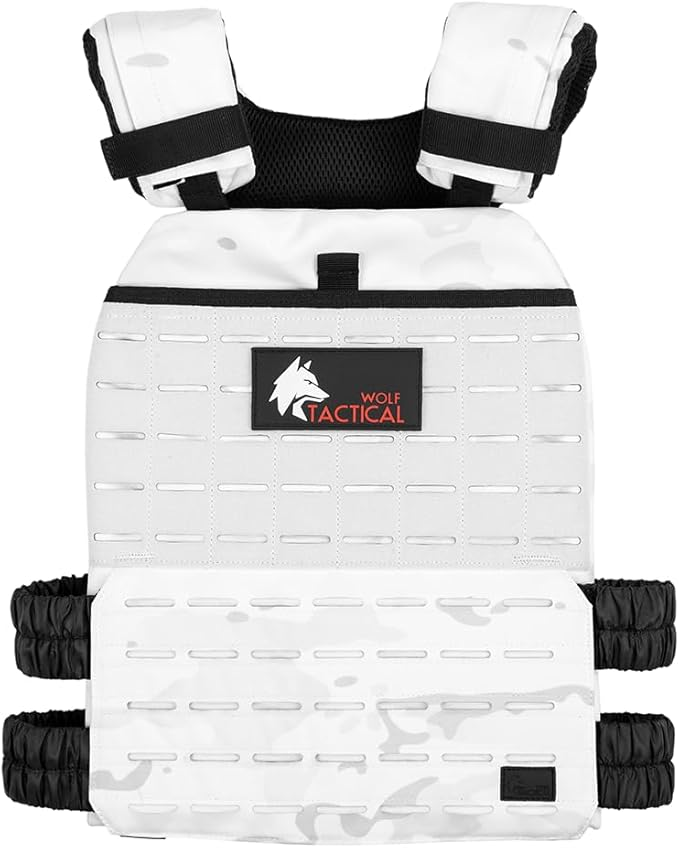
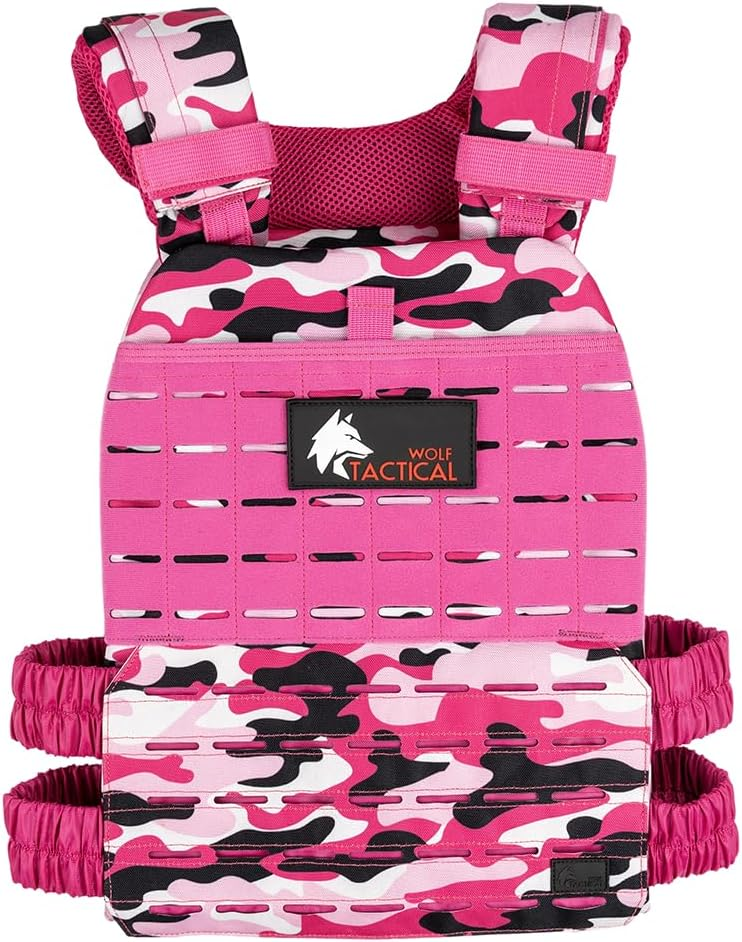
View Hyperwear Hyper Vest PRO on Amazon and compare Wolf Tactical weighted vest plate carrier. These are the identified products shown in the photos. Check the exact model, approved weights, selected configuration, complete cost, and return terms. Search links may show other models and sellers; verify the item before ordering.
As an Amazon Associate I earn from qualifying purchases. Some gear links are affiliate links.

Reference: Read the source information. Specifications and availability can change; match the exact model to its current instructions.
Track loaded walks with the Rucking app
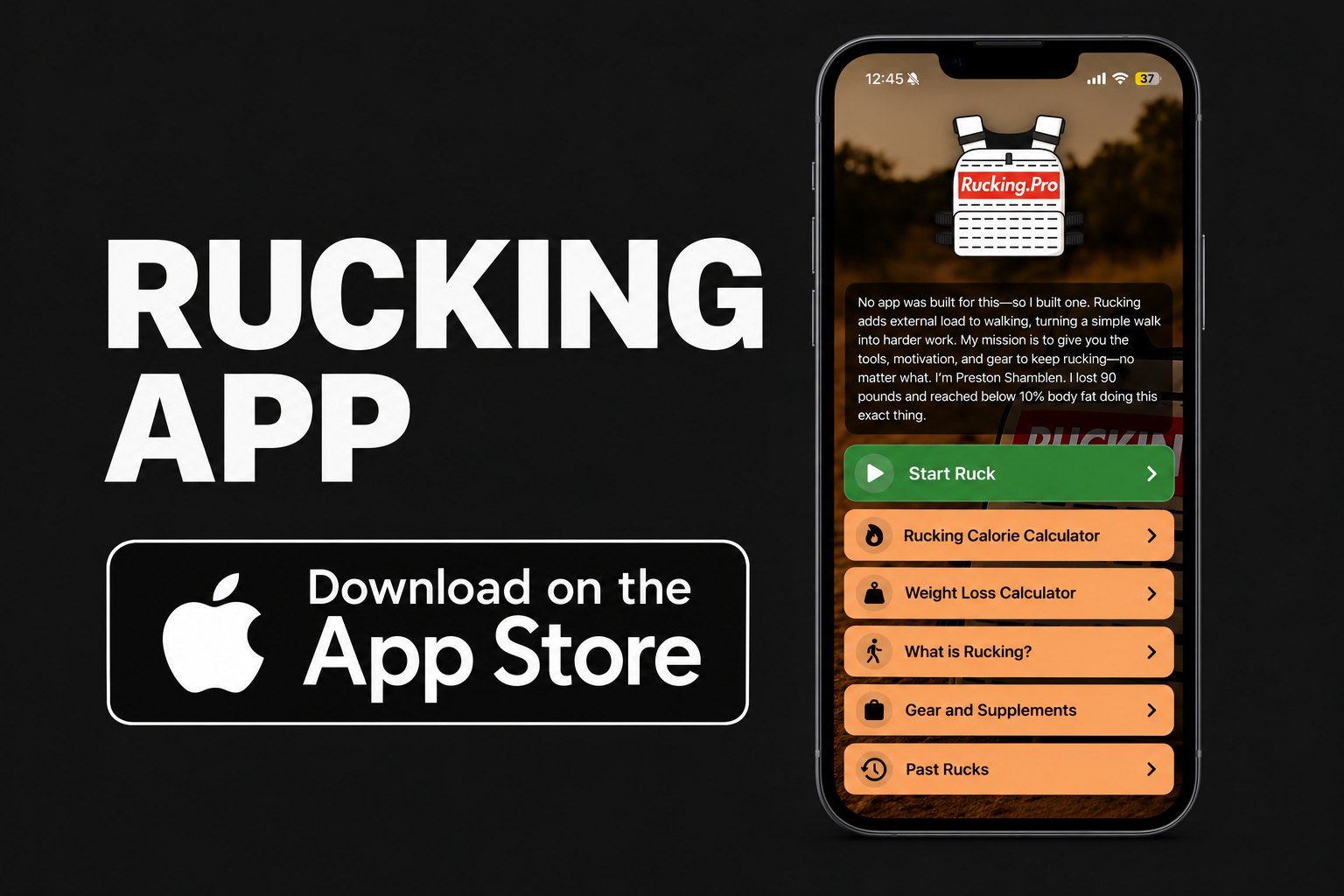
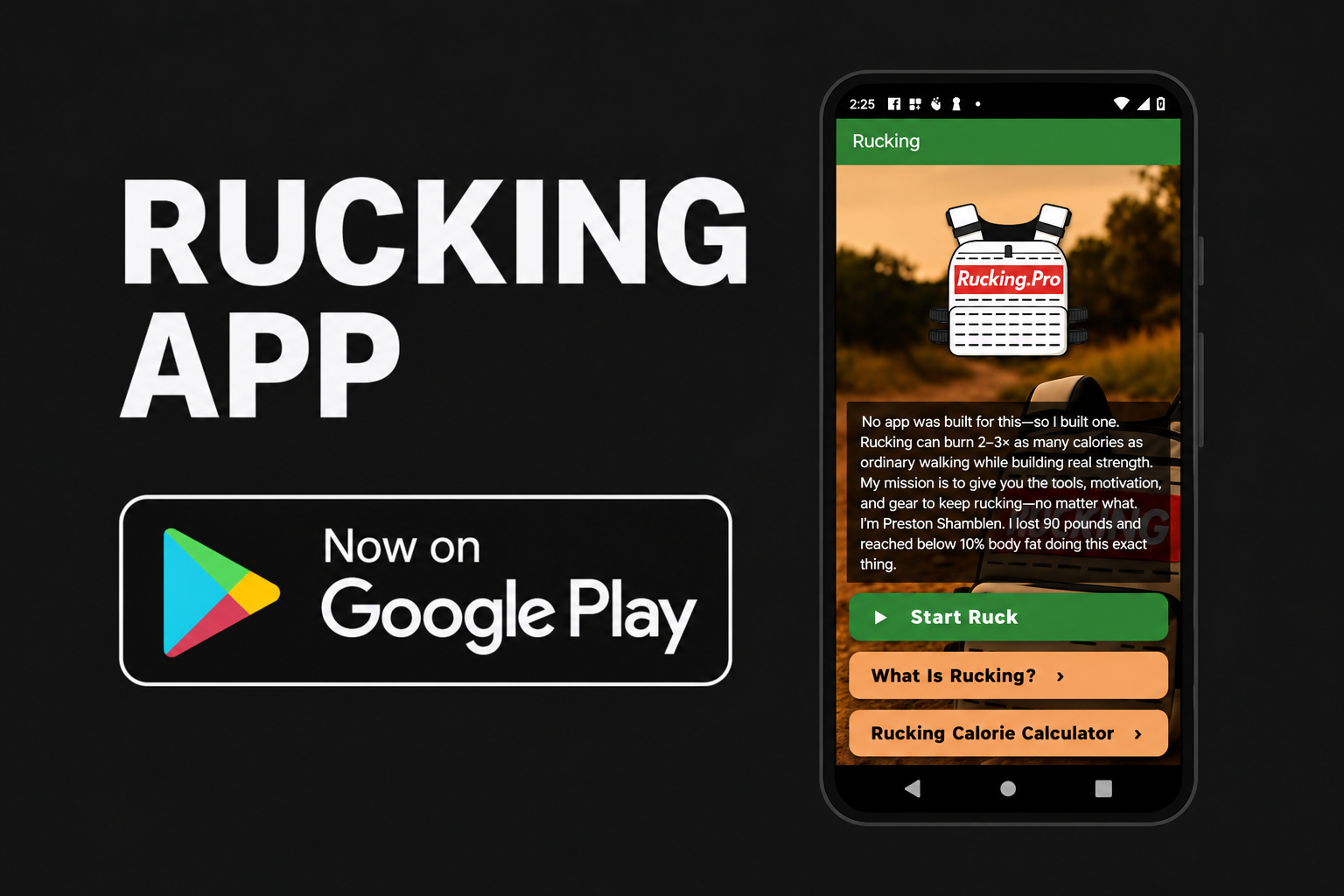
For the walking part of your routine, record total carried weight, route, distance, pace, and time. Compare similar sessions rather than judging progress only by a calorie number. The Rucking app is available for iPhone and Android.

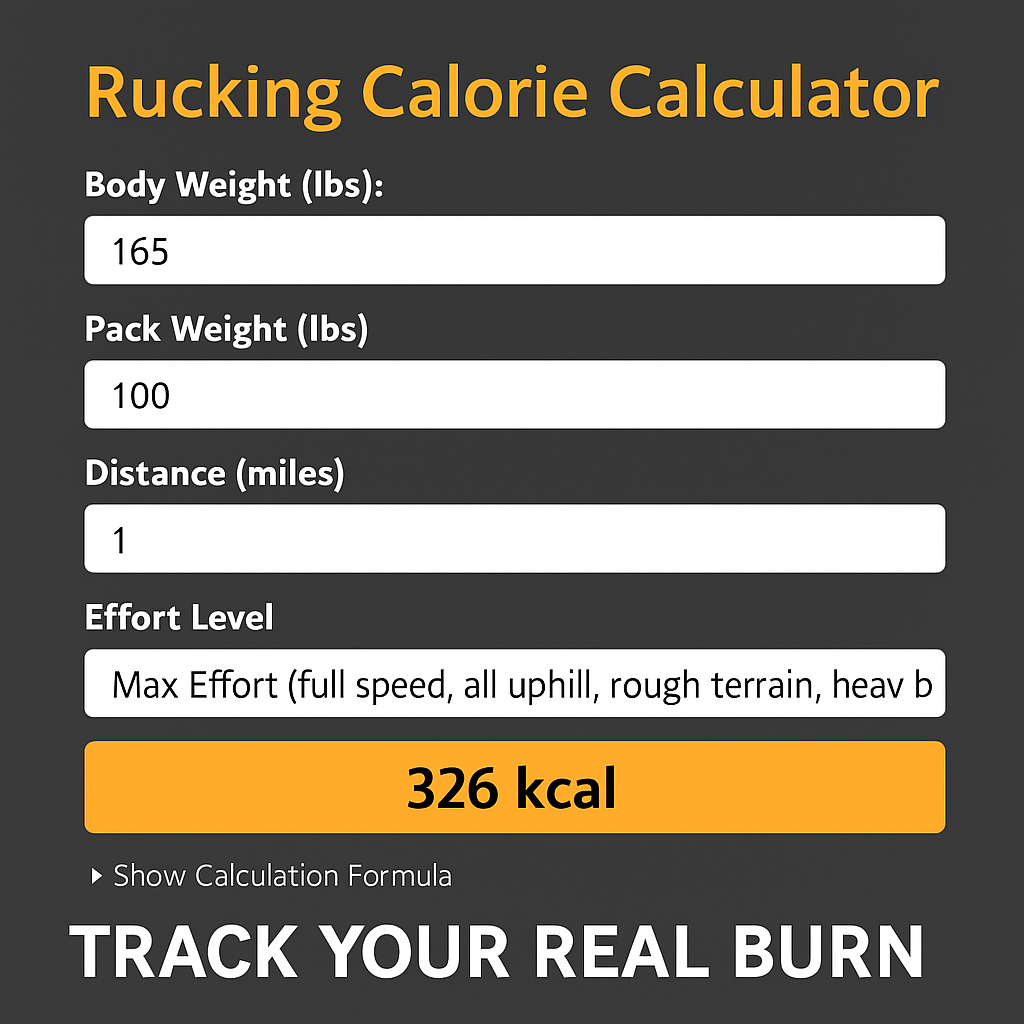
Plan a loaded walk with the Weighted Vest Calorie Calculator or Rucking Calorie Calculator. Use the Rucking Weight Loss Calculator to explore longer-term projections alongside your nutrition plan. These are estimates, not measured energy expenditure or promised weight loss. Walking estimates do not measure a lifting session, mixed WOD, running workout, or therapeutic effect.
Related guide: 5.11 training vest guide.