As an Amazon Associate I earn from qualifying purchases.
Identify the 5.11 TacTec Trainer
The 5.11 TacTec Trainer Weight Vest, style 56693, is a training vest. It is a separate model from the TacTec Plate Carrier. Check that the listing and instructions match the one you intend to buy.

Fit and plate retention
5.11 lists adjustable yoke shoulder straps, a stretch cummerbund, and internal retention straps. The manufacturer instructs users to secure a plate with both the internal strap and the external closure flap.
- Adjust the carrier unloaded before adding a manageable approved pair.
- Take a full breath and check shoulder pressure and arm swing.
- Sit and squat slowly to check the lower edge against your hips.
- Recheck the closures after changing inserts.
Use the model’s fitting instructions rather than a universal “above the navel” rule. Reference: 5.11 TacTec Trainer specifications.
Count the whole setup
5.11 lists the empty Trainer at 0.92 kg, about 2 lb. Add that to the complete pair of inserts. A workout calling for a 20 lb vest usually concerns the full worn load, not two 20 lb plates; check the event’s own standard.
The official Trainer page names 5.11 and Rogue weight plates and the TacTec Weight Plate Sandbag as compatible options. Use its current instructions to identify the exact inserts.
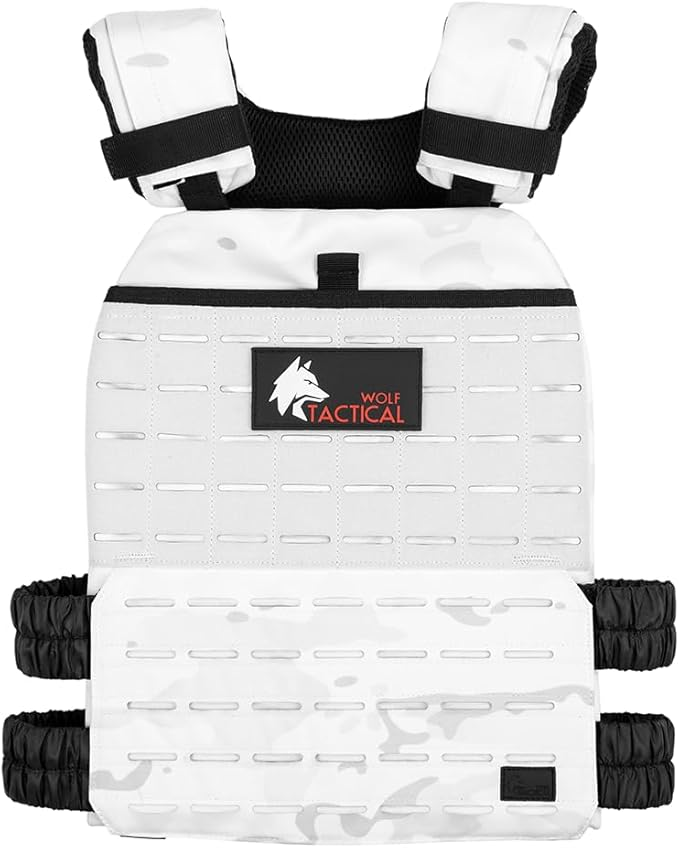
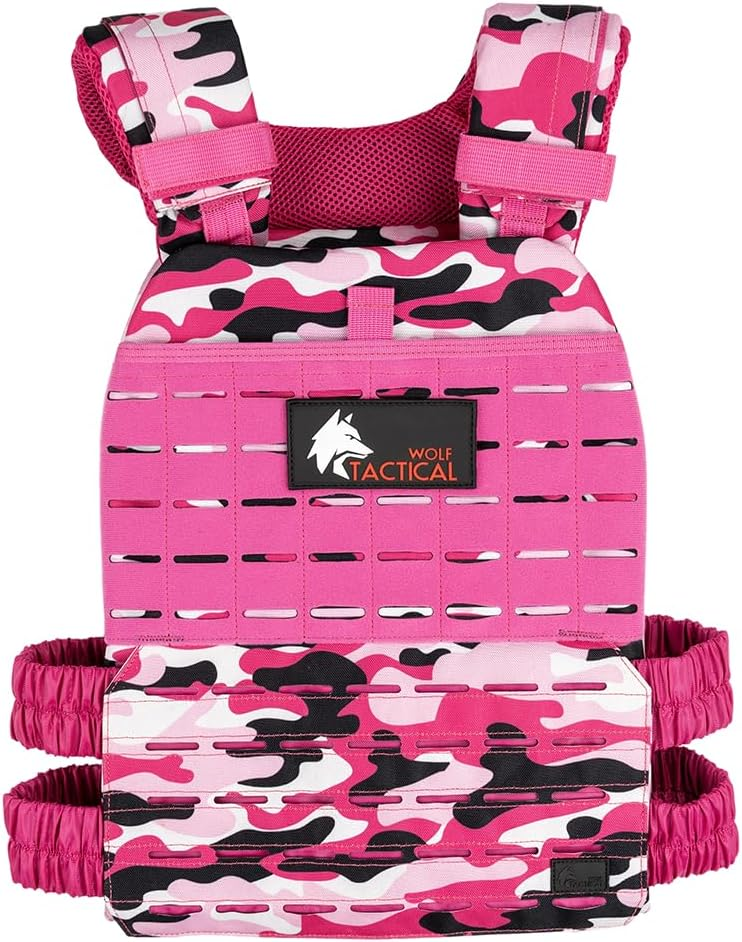
The existing WOLF TACTICAL Weight Vest Plates link is a comparison option. Compatibility with the 5.11 Trainer has not been established here. Obtain confirmation for the specific pair before buying it for that vest.

Build a routine you can repeat
Begin with one familiar activity, such as an easy walk or controlled squats. Record the complete load and session length. Once it feels repeatable, choose either a little more time, a more demanding route, or a different load. Keep recovery days between harder sessions as needed.
Start with a brief, easy session and a load you can control. Repeat it comfortably before changing one variable: weight, time, pace, or terrain. Stop for pain, numbness, dizziness, or unusual breathlessness. Get individual guidance if an injury or medical condition affects loaded exercise.
Track your weighted walks
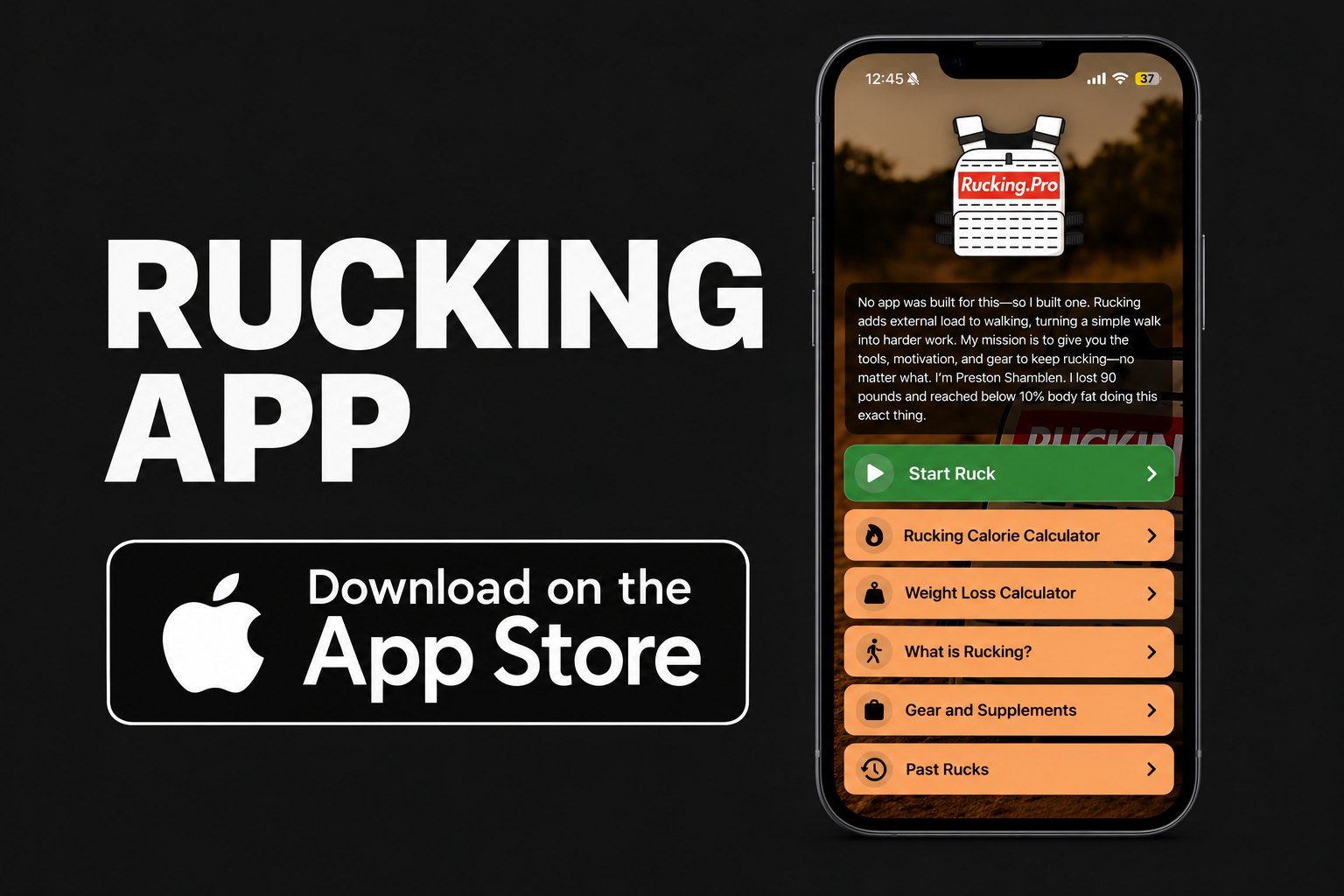
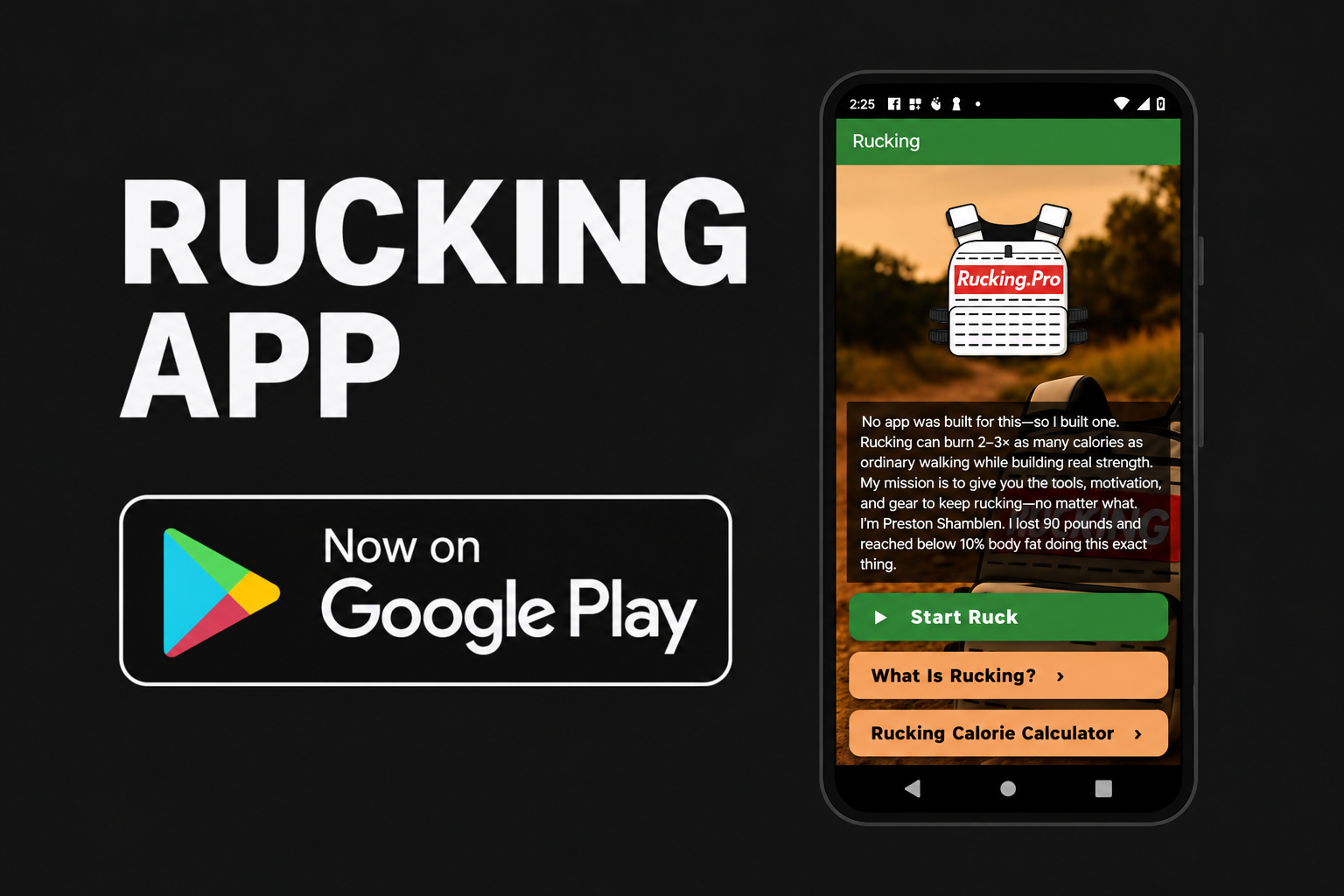
In the Rucking App, choose weighted vest or backpack, enter your complete carried load, and tap Start Ruck. Record GPS distance, time, pace, and estimated calories, then compare repeat sessions.


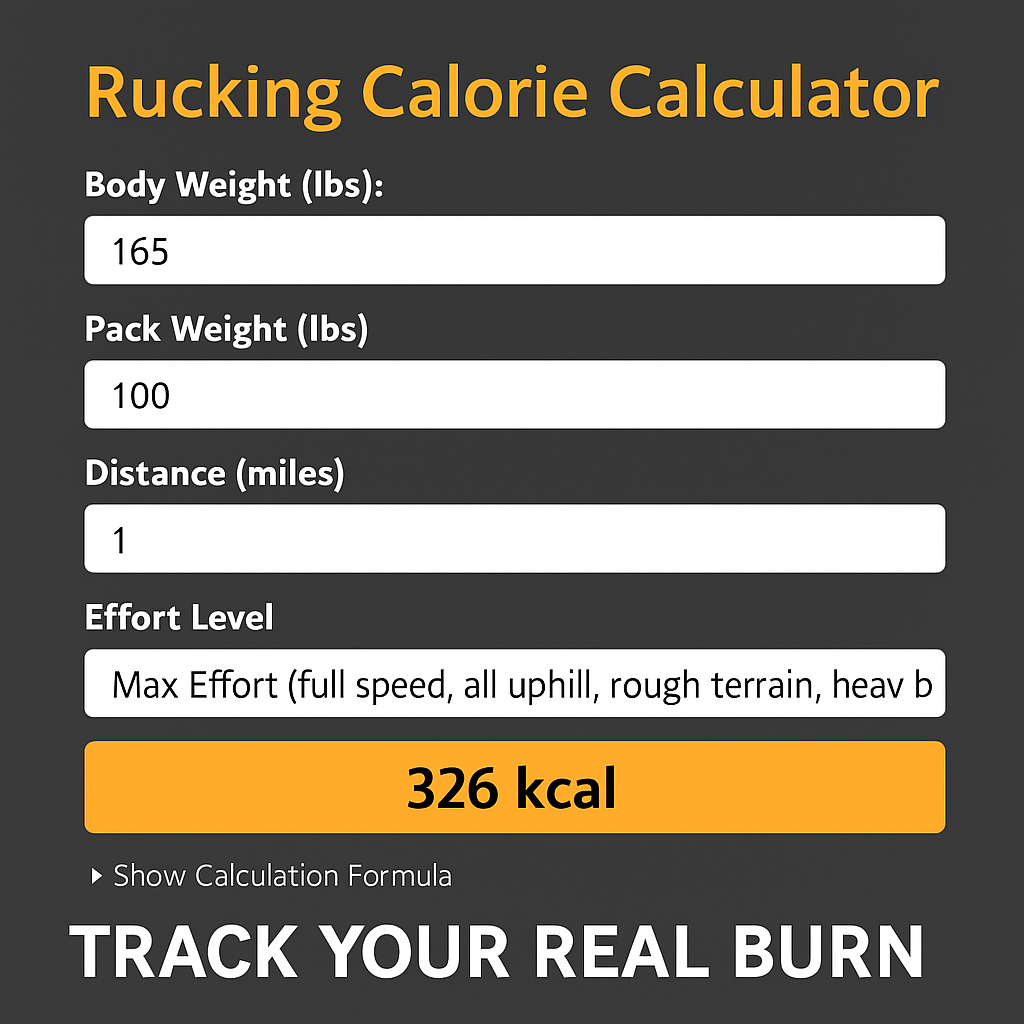
For a manual estimate, use the Rucking Calorie Calculator. Calorie estimates help compare walks; use your effort, movement, and recovery to decide how to progress. See the app guide for current features.