As an Amazon Associate I earn from qualifying purchases.
Tactical-style weight vests: start with approved training plates
A front-and-back fitness carrier holds one training plate in each pocket. Before choosing the load, check the vest’s approved plate shape, dimensions, thickness, and retention system. Tactical styling does not turn a fitness vest or training plate into body armor.
Buying checklist
- Confirm the exact carrier model and whether weights are included.
- Read whether each listed weight is for one plate, the pair, or the complete vest.
- Check the smallest balanced load the carrier supports.
- Compare body measurements, shoulder adjustment, and hip clearance.
- Inspect closures and follow the maker’s loading instructions.
Pocket-loaded versus sleeve-loaded options
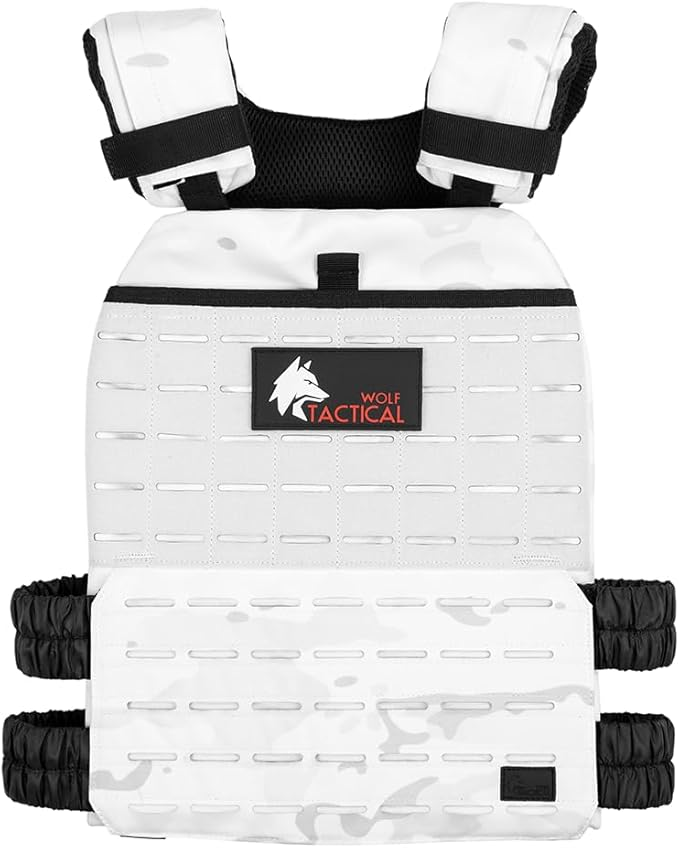
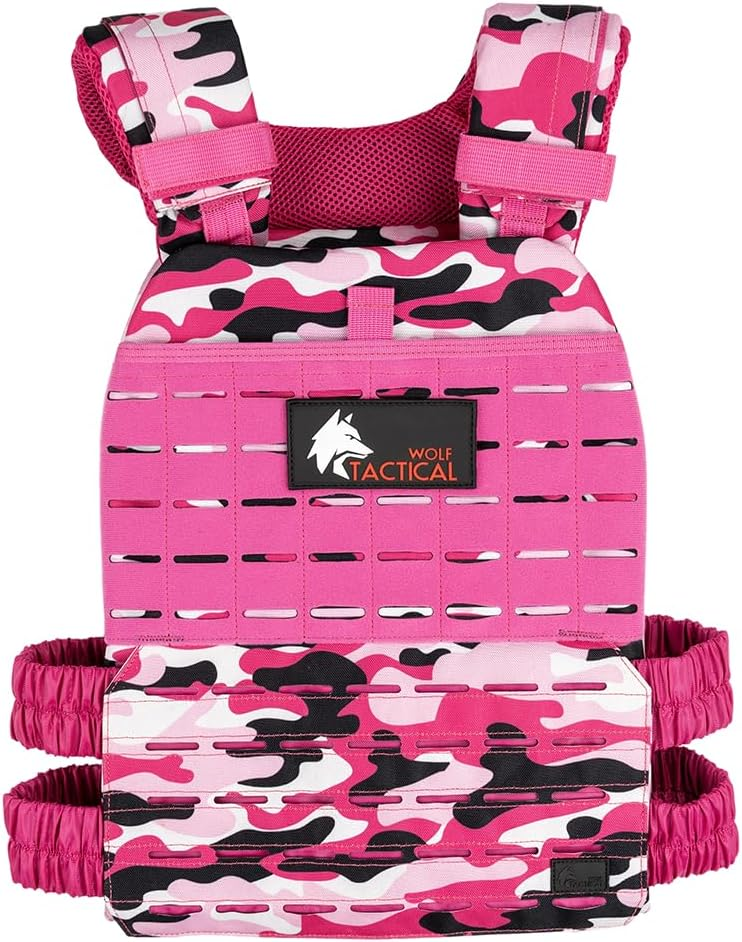
The Wolf Tactical Adjustable Weighted Vest is a pocket-loaded carrier. Select a compatible front-and-back plate pair and include the carrier in the total weight.

The Kensui EZ-VEST MAX V2 uses external sleeves for compatible gym plates. It is a different design, with plate diameter, sleeve length, locking hardware, and exercise clearance to check. A high advertised capacity does not make a heavy ruck or an advanced exercise appropriate for every wearer.

References: Wolf Tactical carrier specifications and Kensui specifications.
Use the load for a specific task
For walking, start with a short, easy route and check fit under load. For strength work, choose a familiar exercise you already control without the vest, then add a manageable amount. Weighted pistol squats, long rucks, and high-volume pull-ups are not default starter workouts.
Start with a brief, easy session and a load you can control. Repeat it comfortably before changing one variable: weight, time, pace, or terrain. Stop for pain, numbness, dizziness, or unusual breathlessness. Get individual guidance if an injury or medical condition affects loaded exercise.
Inspect the carrier and inserts before use. If a plate, seam, buckle, or closure is damaged, follow the manufacturer’s repair or replacement guidance before loading it again.
Track your weighted walks
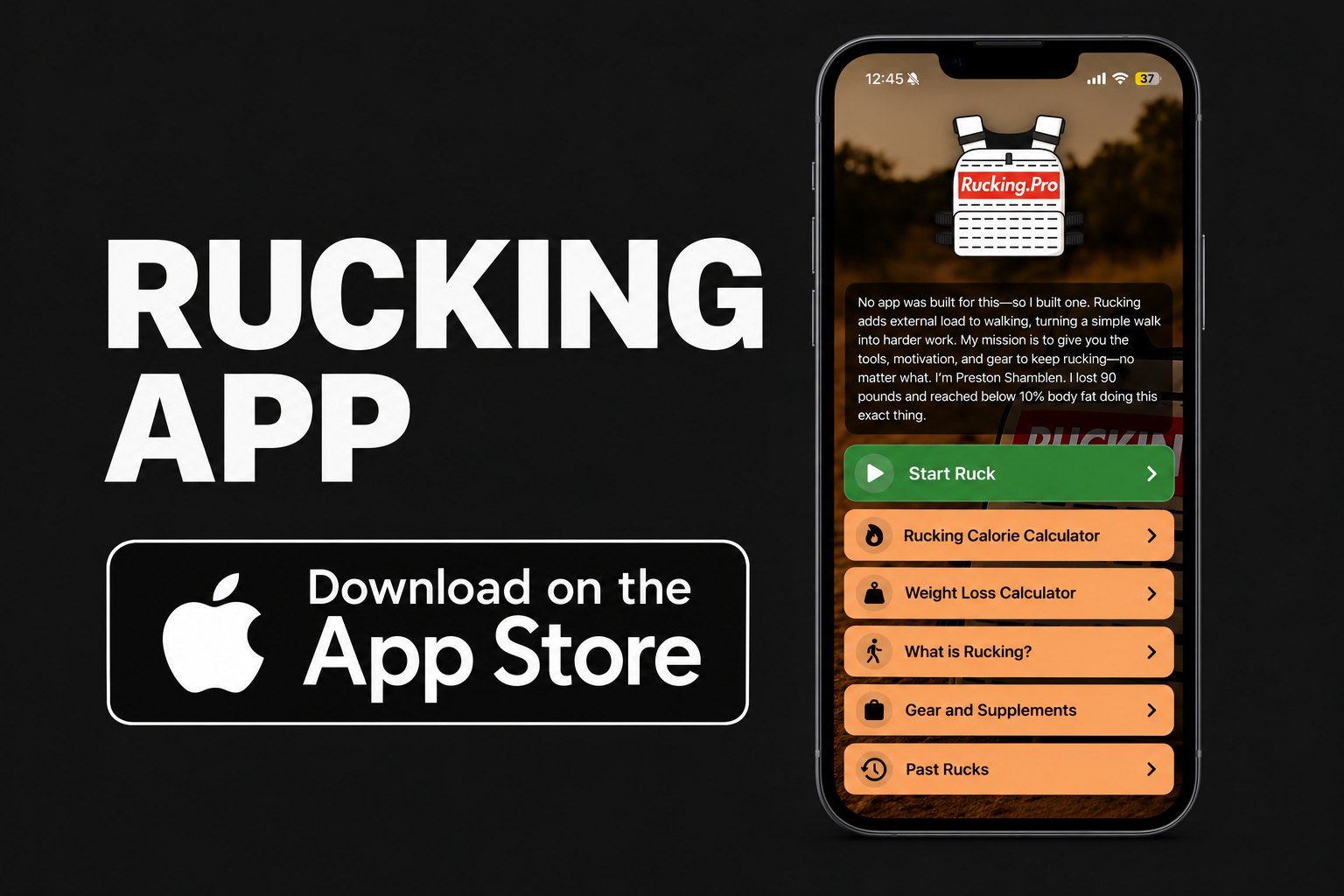
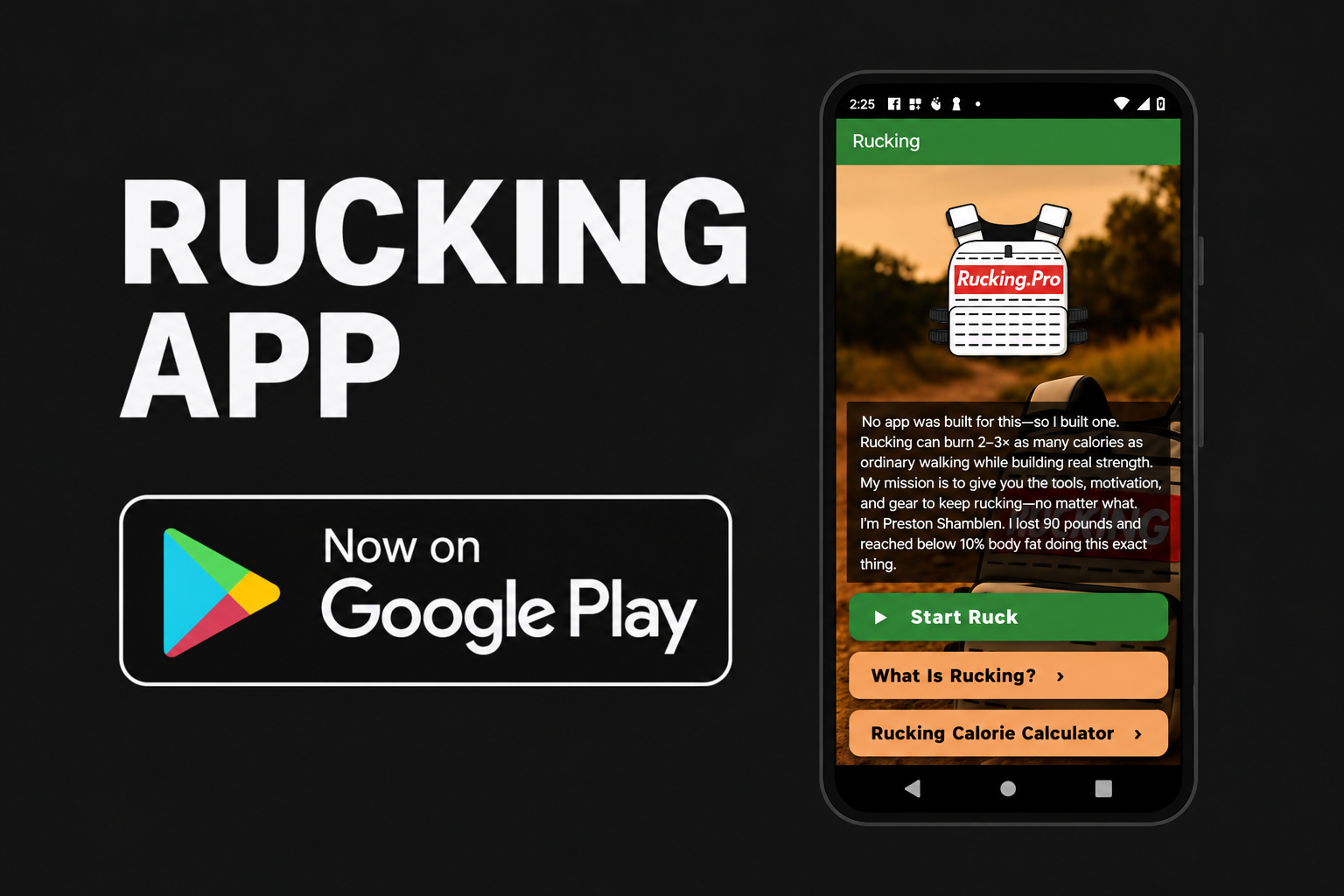
In the Rucking App, choose weighted vest or backpack, enter your complete carried load, and tap Start Ruck. Record GPS distance, time, pace, and estimated calories, then compare repeat sessions.


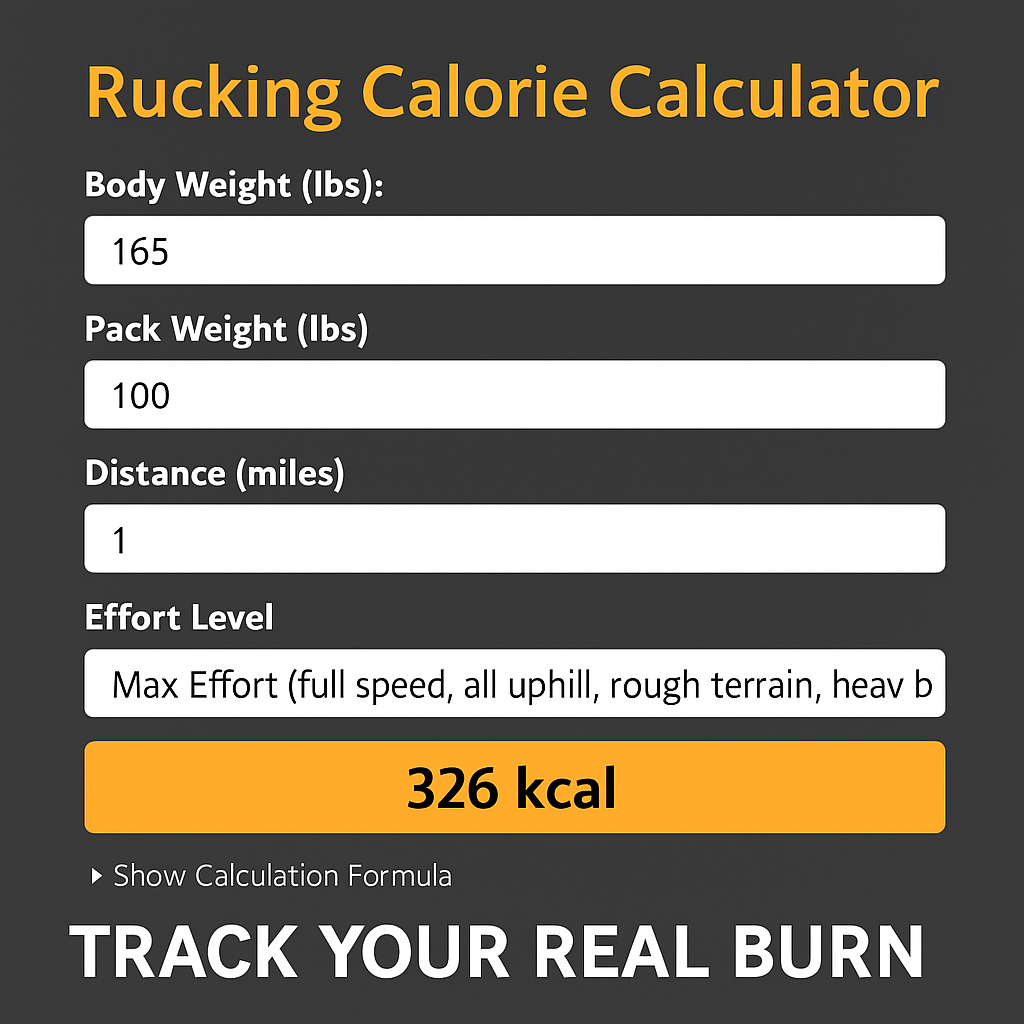
For a manual estimate, use the Rucking Calorie Calculator. Calorie estimates help compare walks; use your effort, movement, and recovery to decide how to progress. See the app guide for current features.