As an Amazon Associate I earn from qualifying purchases.
OMORPHO vests: the model changes the answer
OMORPHO distributes small weights across the garment under its MicroLoad design. The current G-Vest Icon can also accept G-Pack panels, so it is no longer accurate to describe the whole range as fixed-weight.

Current Icon versus the original G-Vest
The men’s G-Vest Icon starts at 10 lb and reaches 20 lb with its G-Pack. The panels attach using a snap system. Check whether your order includes the panels or the vest alone.
OMORPHO’s product support guidance says the original fixed-weight G-Vest does not accept the new G-Pack. That distinction matters when comparing older inventory or a secondhand vest with the current Icon.
How to compare it with a plate vest
- Starting load: can you comfortably use the garment’s base weight?
- Adjustment: compare approved panel configurations with the plate pairs or inserts of another vest.
- Fit: check the model’s size chart, torso length, breathing, and shoulder movement.
- Complete cost: include the panels or plates required for your intended setup.
Distributed weight and a slim profile are design choices to evaluate. They do not make loaded sprinting or jumping the right exercise for every user. Walking and controlled strength work are useful ways to assess the fit first.
Other adjustable systems
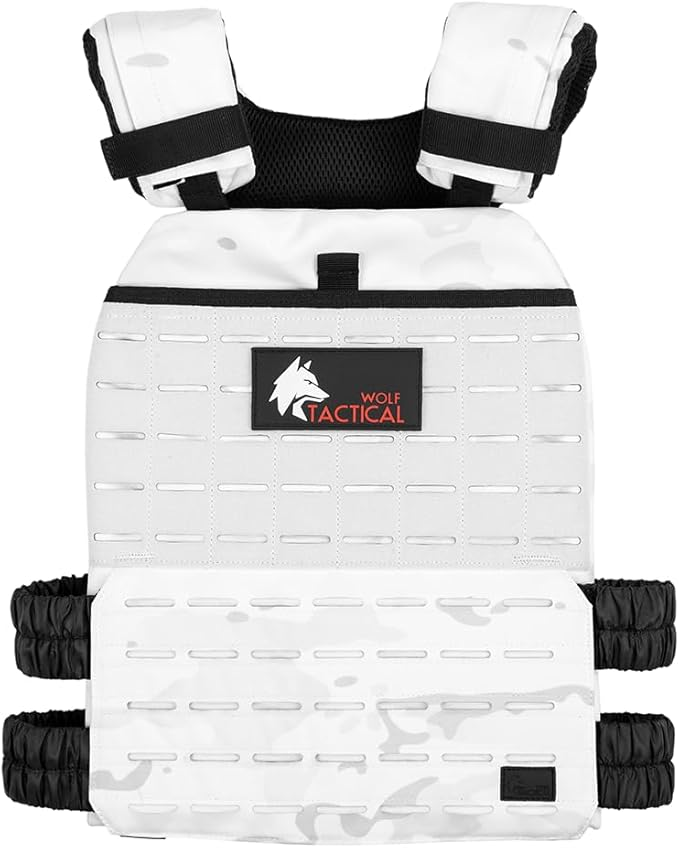
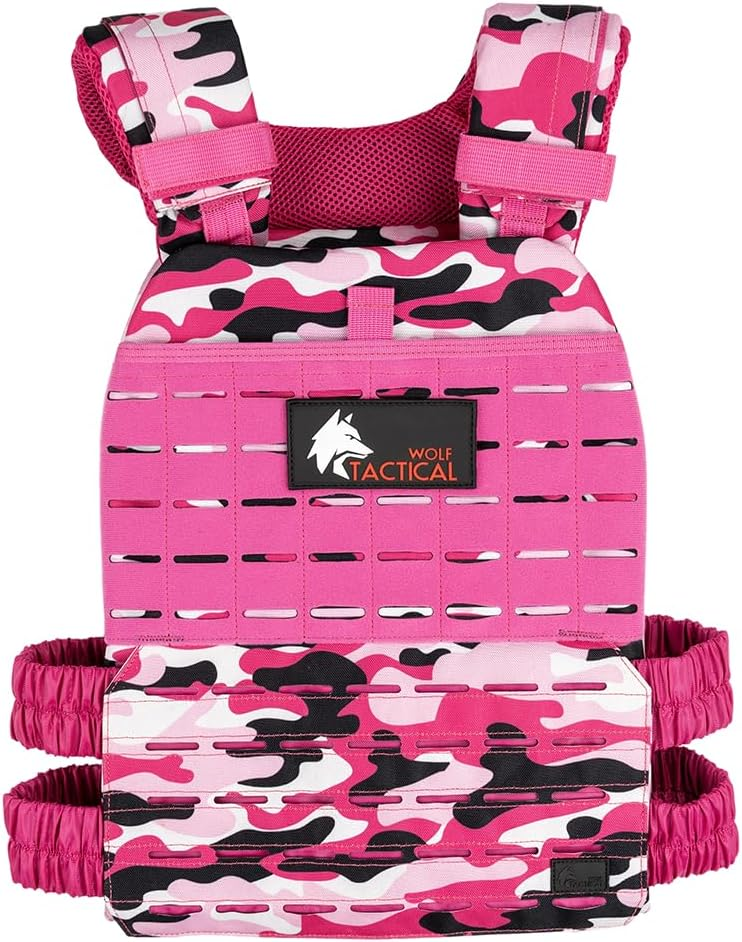
The Wolf Tactical Adjustable Weighted Vest offers front-and-back plate loading. Compare its available plate pairs and fit with the Icon’s base weight and panels.

The 5.11 TacTec Trainer Weight Vest is another plate/sandbag-compatible design when used with the inserts named by 5.11. Choose according to fit and usable loading steps rather than assuming one system is universally better for fat loss.

Make the first sessions comparable
Keep the route, pace, and garment configuration consistent at first. Record how the fit feels during movement and afterward. Change one demand when the session becomes repeatable, rather than using the maximum weight because it is available.
Start with a brief, easy session and a load you can control. Repeat it comfortably before changing one variable: weight, time, pace, or terrain. Stop for pain, numbness, dizziness, or unusual breathlessness. Get individual guidance if an injury or medical condition affects loaded exercise.
Track your weighted walks
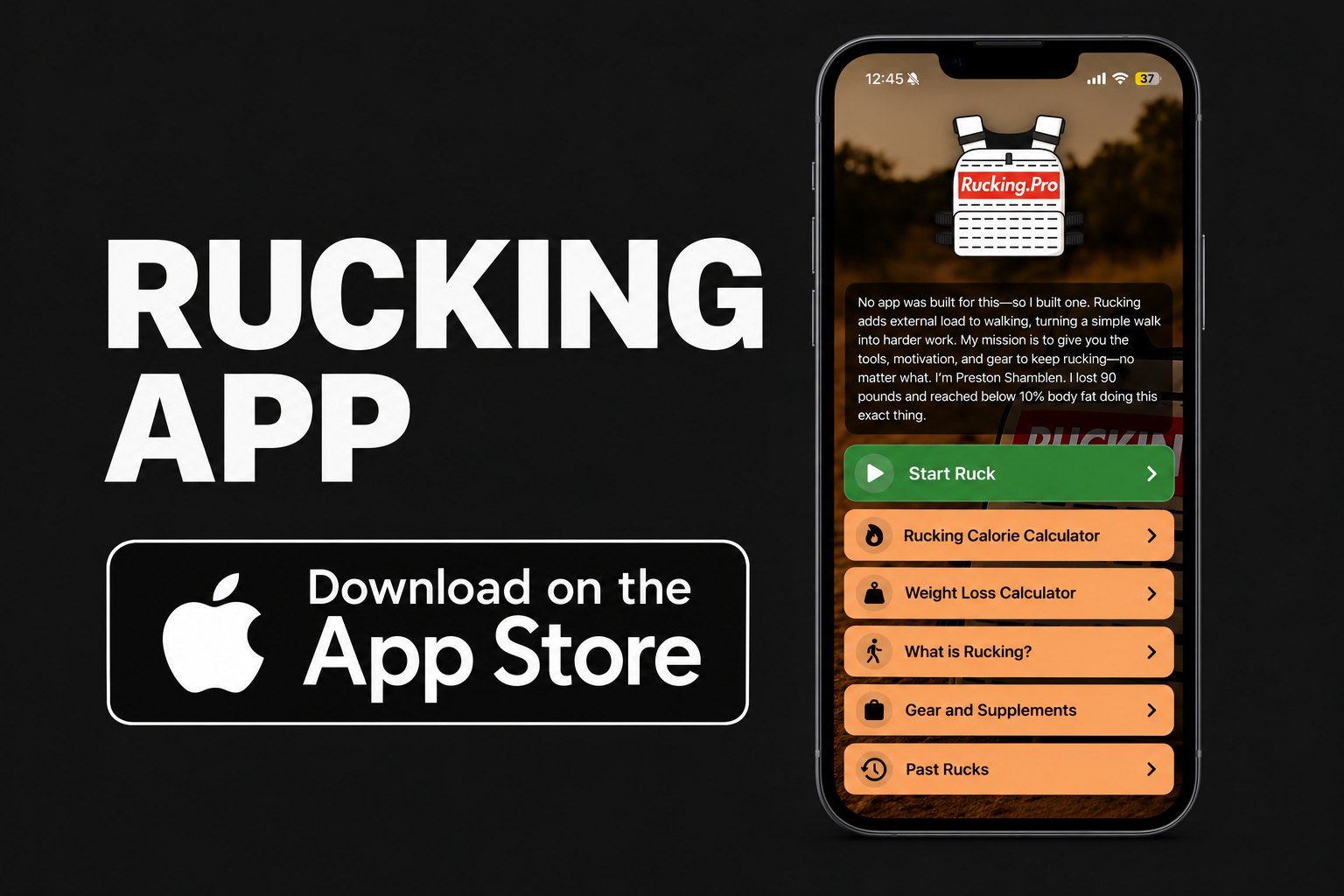
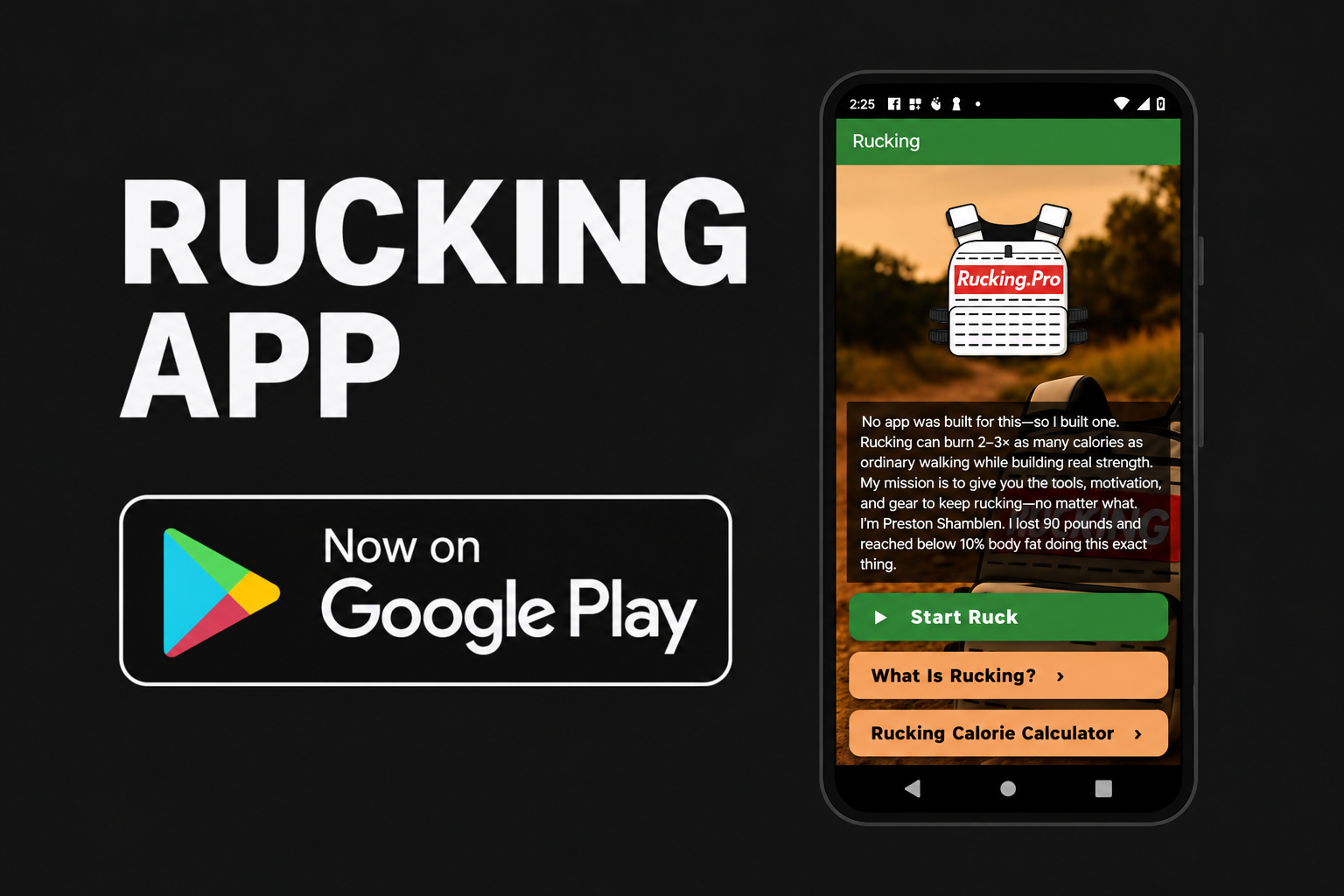
In the Rucking App, choose weighted vest or backpack, enter your complete carried load, and tap Start Ruck. Record GPS distance, time, pace, and estimated calories, then compare repeat sessions.


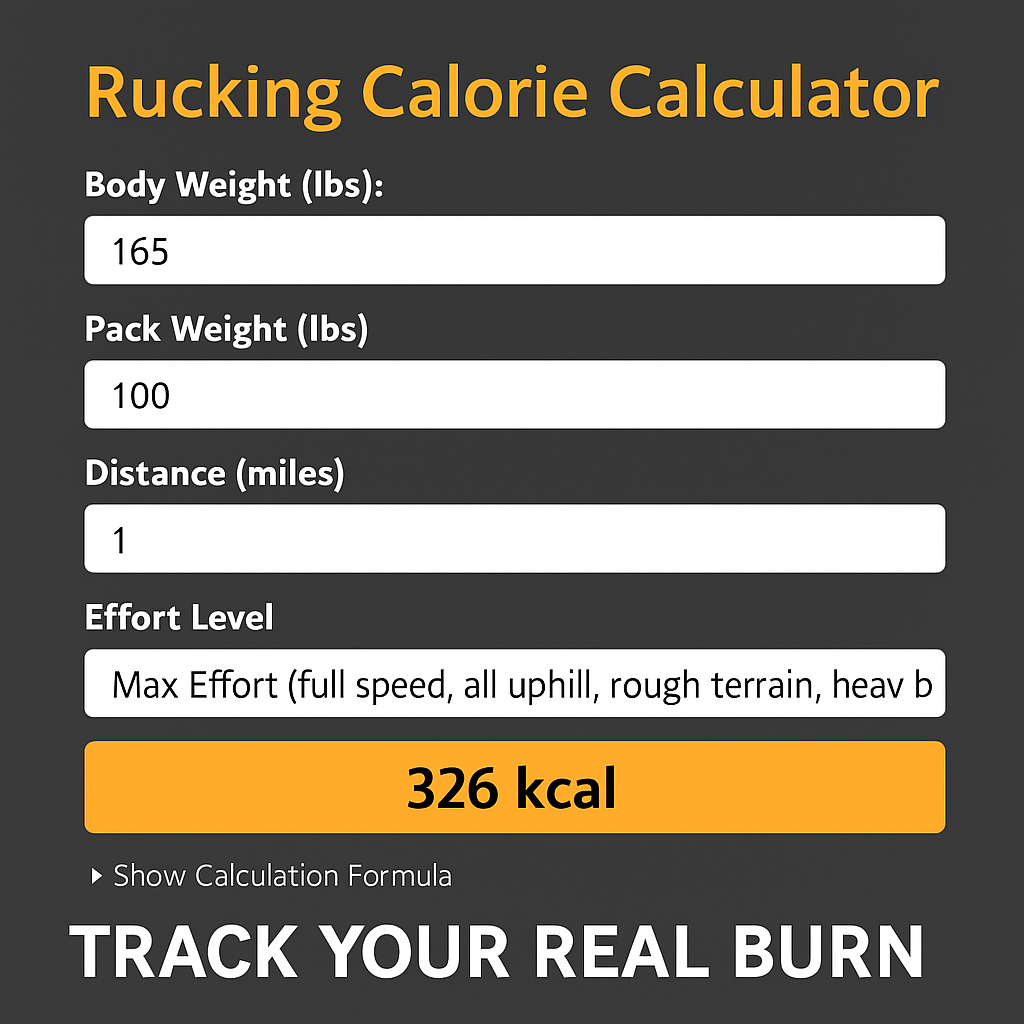
For a manual estimate, use the Rucking Calorie Calculator. Calorie estimates help compare walks; use your effort, movement, and recovery to decide how to progress. See the app guide for current features.