A weighted vest calorie calculator estimates a loaded walk from inputs and assumptions. Keep those inputs with the output so comparisons remain meaningful.
Choose the correct fields and units
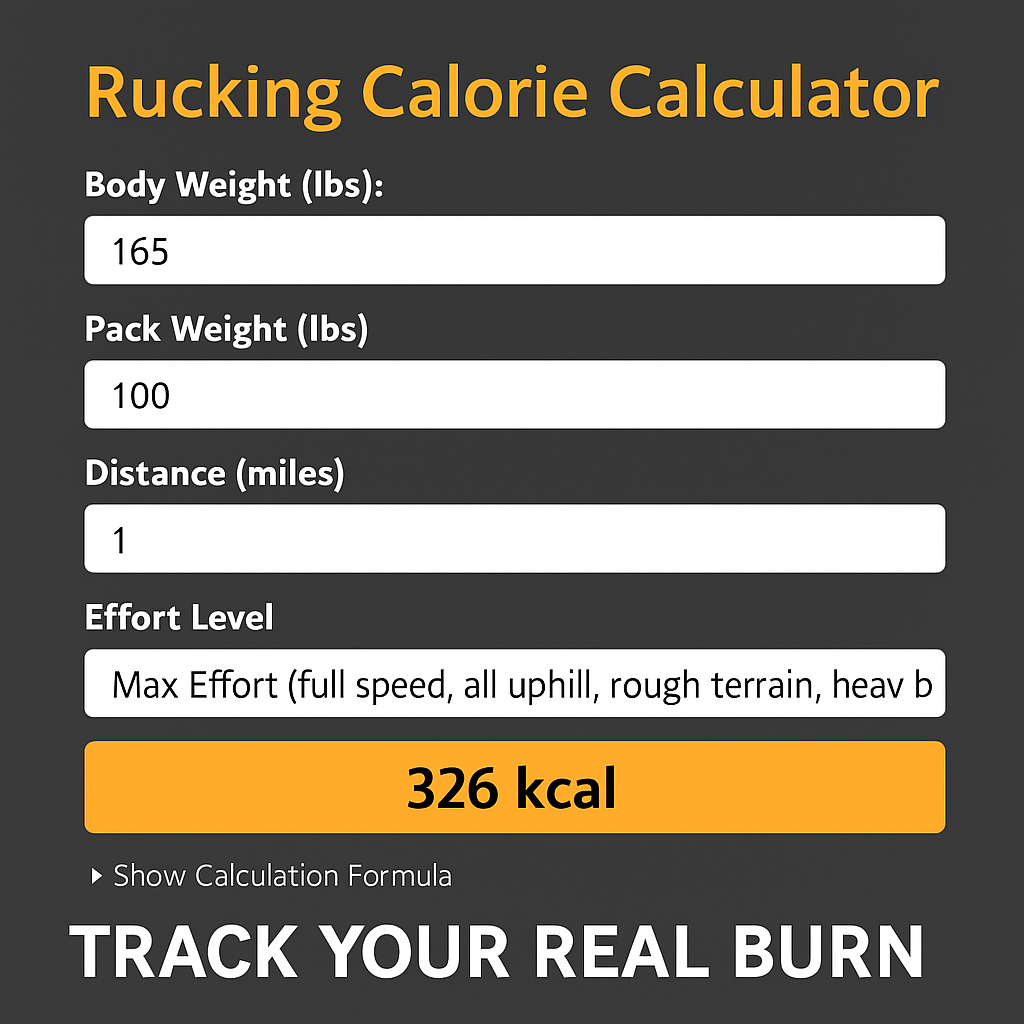
Enter body weight and carried load as the tool requests, counting the carrier, inserts, and other carried items once. Record time, distance, pace, and terrain alongside the estimate. Do not add overlapping totals from a device and calculator, or assume two tools model resting and exercise calories in the same way. A predicted value is not measured energy expenditure, a load prescription, or a promised weight-loss result. Use it alongside comfort and recovery rather than treating a bigger number as automatically better.
- Use the requested units and count the complete carried load once.
- Save pace, distance, duration, terrain, and the result together.
- Treat the output as an estimate rather than a measured or guaranteed outcome.

Use estimates consistently
Record body weight, the complete carried load, distance, duration, pace, and terrain using the units each tool requests. Save the inputs along with the result so you can compare similar walks. A faster route, steeper slope, different device, or changed formula can alter the estimate without proving a fitness change.
Do not add two overlapping exercise estimates together or treat a predicted number as measured energy expenditure. Device displays and calculators use assumptions. Use the estimate as one planning reference alongside session comfort and your broader routine, not as permission to add more load or eat back an exact number of calories.
If you have back, neck, joint, or balance problems, discuss added-load exercise with a clinician before starting. Harvard Health explains the cautions around wearable weights.
Compare gear by loading system
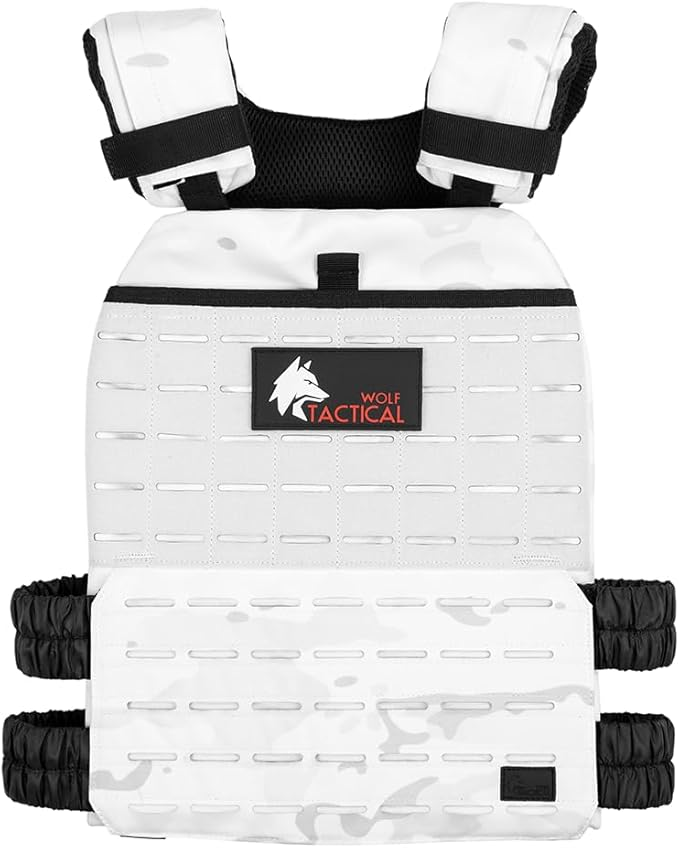
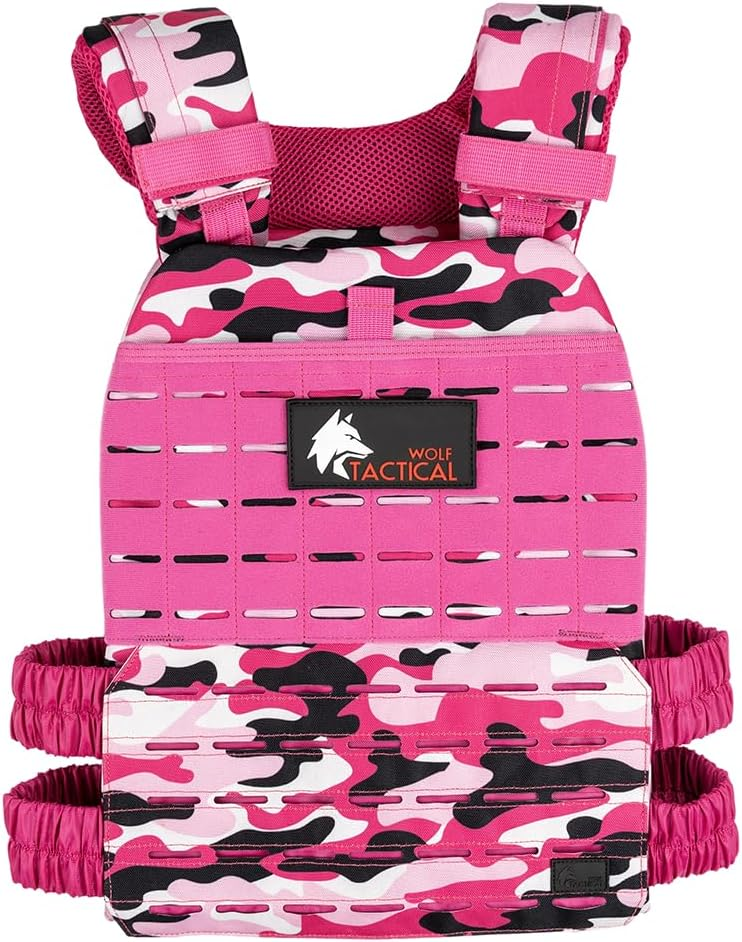
View Wolf Tactical weighted vest plate carrier on Amazon and compare 5.11 TacTec Plate Carrier. These are the identified products shown in the photos. Check the exact model, approved weights, selected configuration, complete cost, and return terms. Search links may show other models and sellers; verify the item before ordering.
As an Amazon Associate I earn from qualifying purchases. Some gear links are affiliate links.

Reference: Read the source information. Specifications and availability can change; match the exact model to its current instructions.
Track loaded walks with the Rucking app
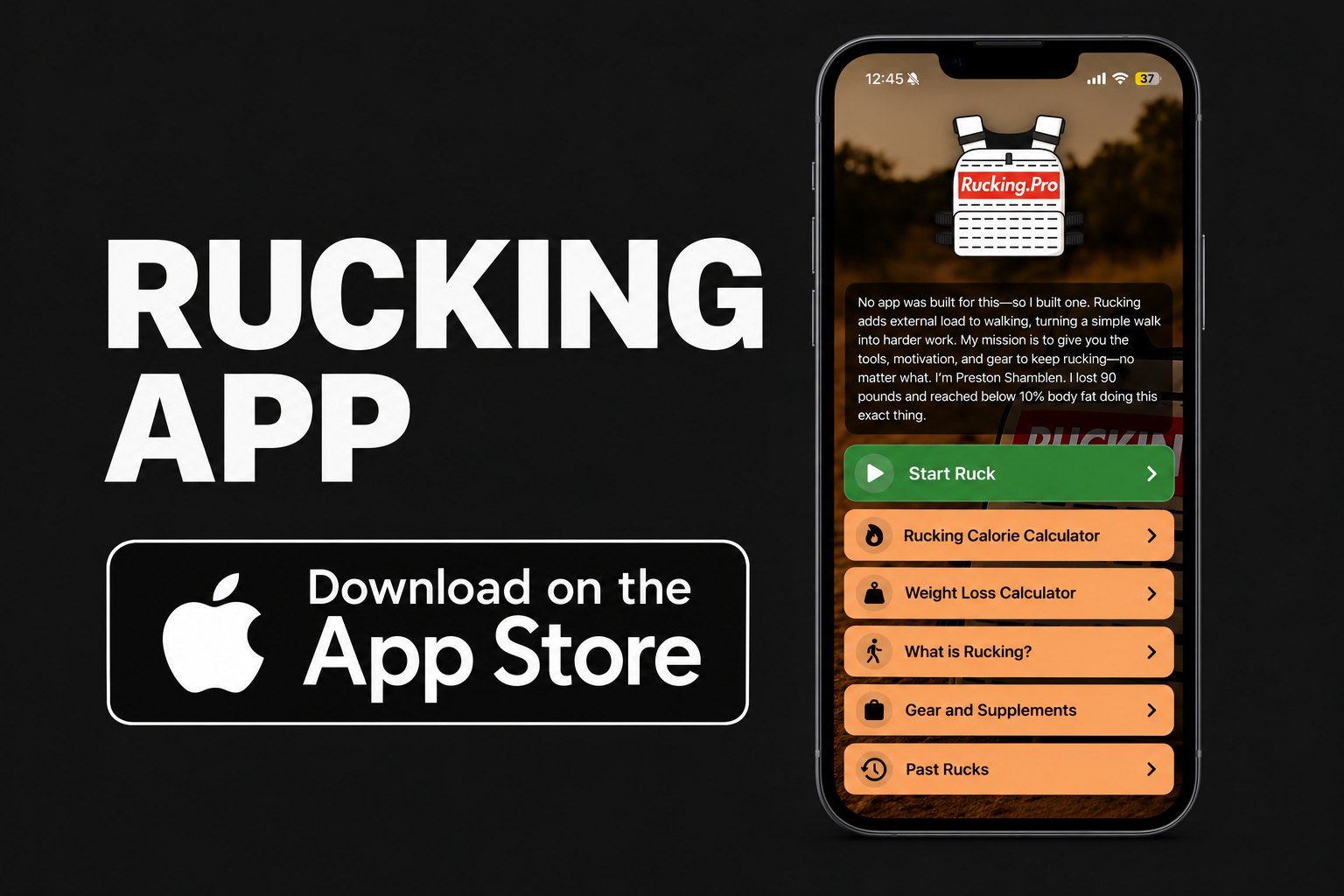
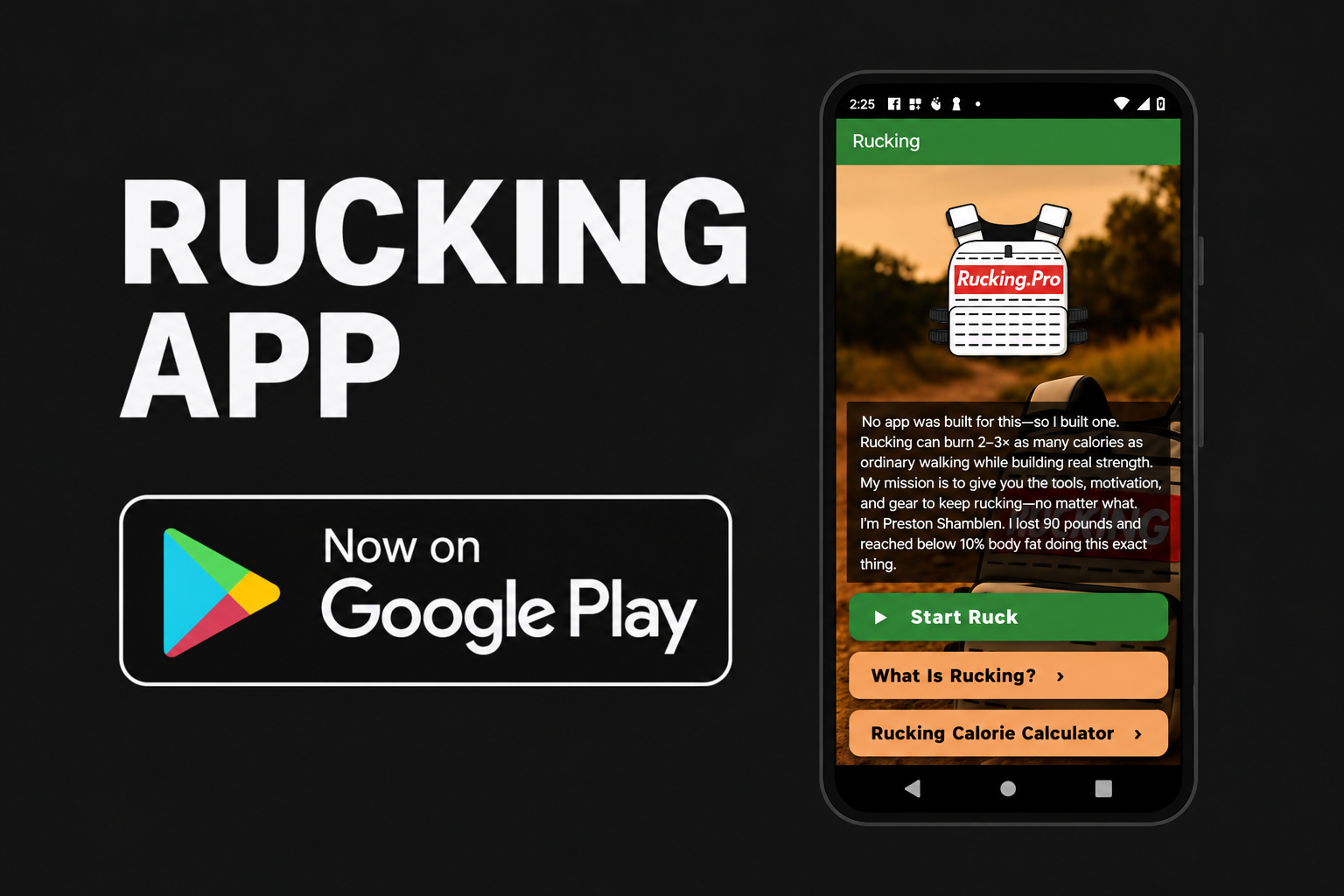
For the walking part of your routine, record total carried weight, route, distance, pace, and time. Compare similar sessions rather than judging progress only by a calorie number. The Rucking app is available for iPhone and Android.

Plan a loaded walk with the Weighted Vest Calorie Calculator or Rucking Calorie Calculator. Use the Rucking Weight Loss Calculator to explore longer-term projections alongside your nutrition plan. These are estimates, not measured energy expenditure or promised weight loss. Walking estimates do not measure a lifting session, mixed WOD, running workout, or therapeutic effect.
Related guide: Weighted vest walking guide.